tools-resources
Apps That Make Cooking Less Annoying
March 14, 2026
Meal planning is a drag. Grocery shopping is chaos. Finding recipes that don't make you scroll through someone's grandma story first? Impossible. Here's how to fix it.
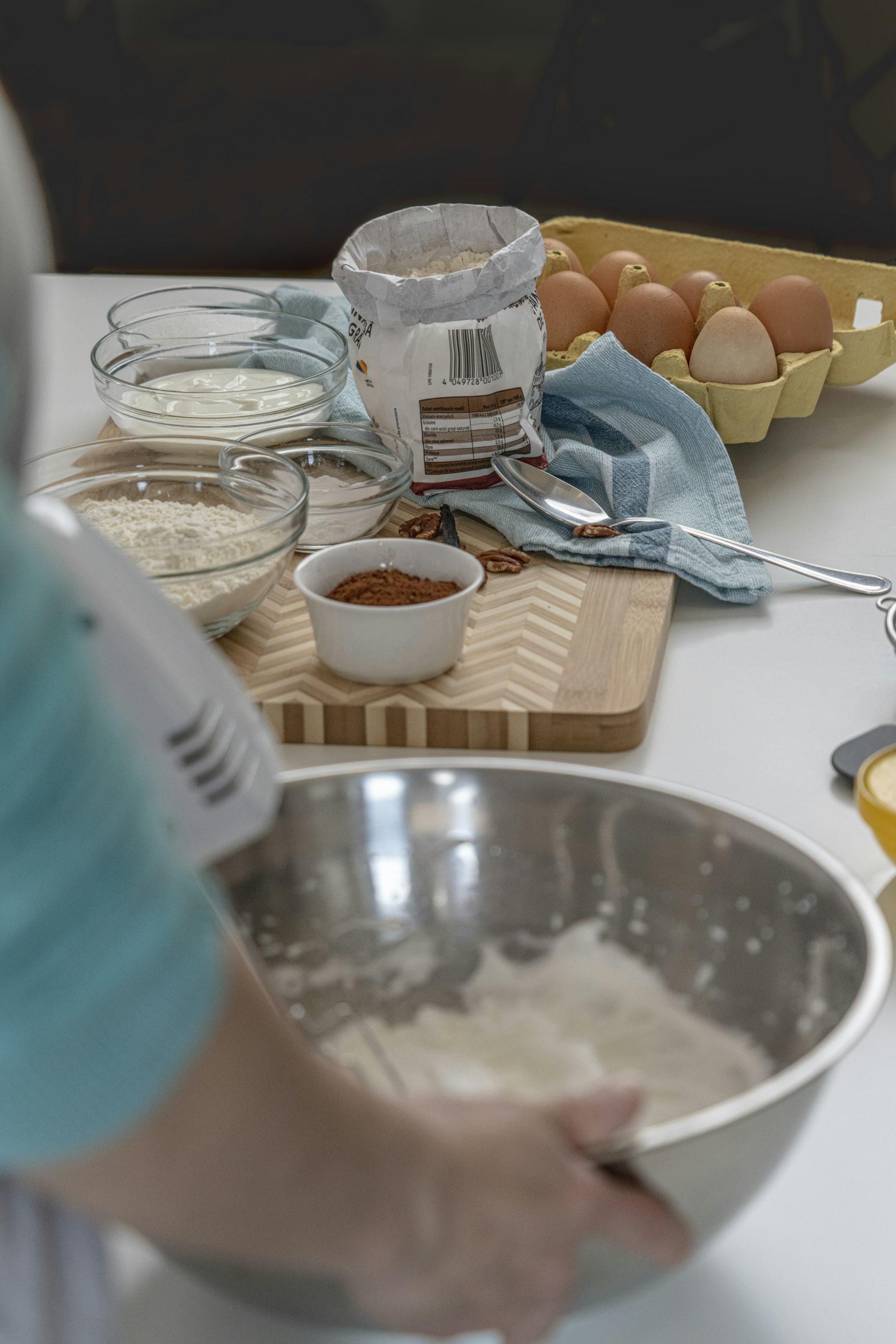
Meal planning is a drag. Grocery shopping is chaos. Finding a recipe that doesn’t start with a 500-word essay about the author’s childhood summer in Tuscany takes actual effort.
And then there’s the cooking itself—you’re halfway through a dish, your hands are covered in garlic, and you need to scroll on your phone to see the next step, but the screen keeps timing out because you’re not touching it every five seconds.
Most people blame themselves. “I’m just bad at cooking.” Nope. The systems suck. The apps that exist are either bloated social networks pretending to be recipe platforms, outdated throwbacks from 2003, or weird hyper-specialized tools that do one thing okay and 19 things nobody asked for.
Here’s the thing: good cooking apps exist. They’re just quiet about it because they don’t have venture capital or marketing budgets. I’ve tested 30+ apps across meal planning, recipe collection, grocery lists, and kitchen timers. These are the ones that actually work.
🎯 Meal Planning That Doesn’t Make You Want to Quit
Mealime
Mealime strips away everything you don’t need and gives you recipes, ingredient lists, and a grocery export in three clicks. You choose your meals, the app auto-generates a shopping list, and you’re done. No scrolling through ads. No signing up for premium. No sponsored content pretending to be a recipe.
What makes it stick: the grocery list exports cleanly to text format so you can paste it into your phone’s notes, email it to a family member, or just reference it while shopping. The recipes are tested and reasonable (no “use a live wolf and saffron from a secret monastery” nonsense).
Best for people who want structure without hand-holding and aren’t trying to showcase their meals on Instagram.
Emeals
If Mealime feels too rigid, Emeals gives you more flexibility. Pick your meal plan style (keto, paleo, low-carb, Mediterranean, whatever), get 7 weekly plans to choose from, and access to hundreds of recipes. Still exports the grocery list cleanly. The interface is less sleek but it’s not ugly—it’s just functional.
Why it survived: Most meal planning apps try to be everything and end up bloated. Emeals has a clear job: give you meal options that fit a style you picked, plus the shopping list. It does that. No feature creep. No “share your victory” engagement mechanic.
Best for: Families with dietary restrictions or anyone who wants real meal plans instead of vague inspirational content.
🚀 Recipe Collection (Without the Life Story)
Paprika
You find a recipe online that looks good. You screenshot it or copy the URL. Paprika captures it, extracts just the recipe, strips out the author’s memoir, and stores it beautifully. You can tag recipes, scale ingredients, and add notes.
What kills it: the meal planning integration. Plan your week in Paprika, and it auto-generates your shopping list from all those recipes. The app syncs across devices. It costs $4.99 and it’s a lifetime purchase, not a subscription. That alone puts it in the top 1% of recipe apps.
Best for: People who collect recipes obsessively and actually cook from them instead of just saving and forgetting.
Notion Recipe Template
If you’re already in Notion for other stuff, building a recipe database there takes about 15 minutes and costs nothing. Create a table with columns for ingredients, prep time, difficulty, tags, and notes. Link recipes to meal plans. Filter by what’s in your pantry.
Why consider it: Paprika is better if you want something ready to go. Notion is better if you want control and already use Notion for everything else. The fact that it’s free and customizable matters.
Best for: People who live in Notion anyway and don’t want another app subscription.
📱 Grocery Lists (Actually Smart)
Bring!
The gold standard for grocery lists. You add items, organize them by store section (produce, dairy, meat, pantry), and boom—you’re at the store checking them off. The app learns your habits so it suggests items when you’re building a list (“you usually get eggs”). Sharing a list with someone takes one tap and they can edit in real time.
What matters: The simplicity is intentional, not lazy. It syncs perfectly. The barcode scanner works. It doesn’t try to upsell you meal plans or recipes—it’s just a list app that’s obsessed with being good at lists.
Best for: Anyone who’s tired of having to reorganize a scrambled list while standing in the grocery store.
AnyList
A close second if Bring! isn’t available in your region or if you want deeper recipe integration. AnyList stores recipes (you can import from websites), links them to your grocery list, and manages pantry inventory. More features than Bring!, slightly more overhead.
Why it matters: If you’re the type who wants recipes and lists under one roof, AnyList ties them together in a way that actually works. The inventory feature is real—you track what you have at home so you don’t buy pasta you already own.
Best for: People who want a unified system and don’t mind a slightly busier interface.
⚡ Timers and Kitchen Reference (When Hands Are Wet)
Timex
A timer app specifically designed for cooking. Multiple simultaneous timers, big visible numbers, voice notifications so you can hear it from the other room, and it keeps running even if your phone locks. Costs $3.99. Does one job perfectly.
What’s different: Most timer apps are janky. Timex just works. The interface doesn’t pretend to be fancy. It’s clean and responsive because it’s laser-focused on being a timer.
Best for: Anyone who’s burned food because they couldn’t find their phone’s timer or it didn’t notify them properly.
Halide
Not technically a kitchen app, but if you’re trying to match your plating to a food photo for that one post, Halide is the sharpest photography tool on iOS. Manual controls, RAW capture, and it’s genuinely pleasant to use instead of fighting your phone’s default camera app.
Why it’s here: Good food deserves good photos. If you’re going to cook well, you might as well document it properly. $4.99 lifetime.
Best for: Food photographers and people who want one camera app instead of five.
Evernote (The Overlooked Hack)
Keep a note of measurements you always forget. Common substitutions. Notes about what worked and what didn’t in your favorite recipes. Ingredient costs at your preferred store. Evernote syncs everywhere and search actually works, unlike Notes.
Why mention it: Most people see Evernote as dead or bloated. For a simple recipe reference and cooking notes, it’s more reliable than any specialized cooking app. The OCR feature means you can take a photo of a recipe card and Evernote turns it into searchable text.
Best for: Anyone building a personal cooking knowledge base.
🔧 The System That Actually Works
You don’t need all of these. Pick one from each category:
- Meal Planning: Mealime (easiest) or Emeals (most flexible)
- Recipe Storage: Paprika (all-in-one) or Notion (already using it)
- Shopping List: Bring! (unbeatable)
- Kitchen Timer: Timex (or your phone’s built-in if you’re careful)
Wire them together:
- Use your meal planner to pick meals and export the grocery list
- Dump that list into Bring! and reorganize by store sections
- Keep Paprika open on your phone while cooking
- Use Timex if you’re juggling multiple pots
The actual work: Planning meals and making the list. The apps just make those frictionless instead of annoying.
The Reality
No app makes cooking fun if you don’t want to cook. Apps fix logistics, not motivation. If you hate cooking, no recipe app changes that.
Good apps save time, not money. Meal planning helps you avoid waste, but the savings are incremental. You’re paying for sanity, not cost reduction.
You don’t need every feature. If an app has 47 integrations and you only need 3, you’ve got bloat. Find the thing that does your actual job.
Most people end up with too many cooking apps because they keep hoping the next one will be perfect. It won’t. These ones are just better at not wasting your time.
Start with one: pick your meal plan style, get Mealime or Emeals, export the list into Bring!, and cook. If that system breaks, adjust. But you probably won’t need to.
If this framework of systematic simplification resonates with you, check out how I approach app consolidation and what happens when you actually think about the tools you use. Both pieces dive deeper into picking the right tools instead of all the tools.
The other angle: if you’re tired of app subscriptions in general, understanding the real cost of free tools might be worth your time too.