tools-resources
Cheap Tools That Replaced Expensive Ones in My Workflow
February 2, 2026
The premium tools aren't always the best tools. These budget swaps saved me thousands and work better than what I used to pay for.
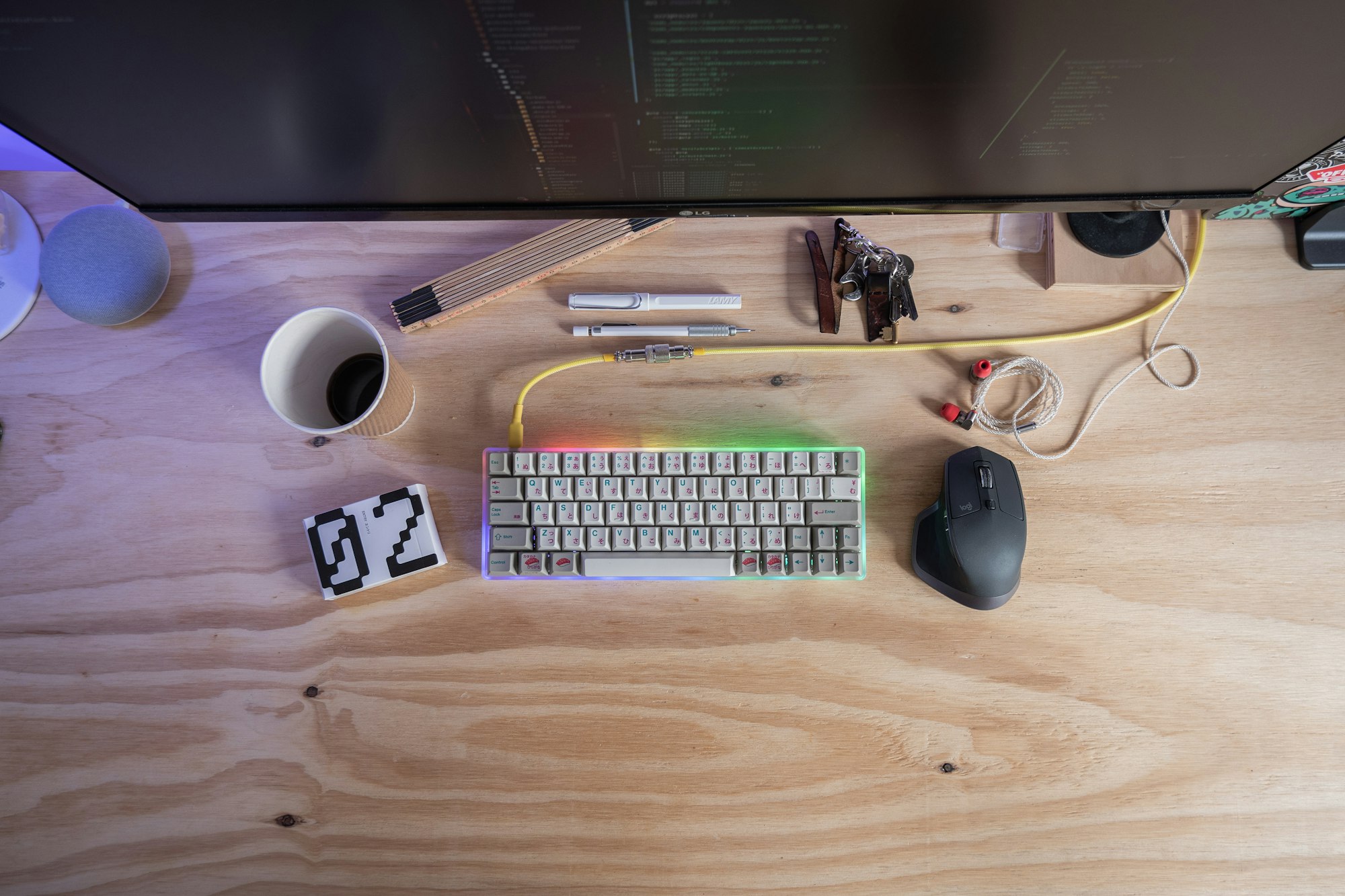
You know that feeling when you upgrade to the premium version and realize the free one was doing 90% of what you needed anyway?
I used to be that person dropping $50-200 every month on tools that promised to “transform my workflow.” Notion Pro, Adobe Creative Cloud, expensive project managers, marketing software I barely used. The sunk-cost fallacy kept me locked in. I’m paying for it, so I should use it.
Then I started interrogating what I actually needed versus what I was just comfortable with. Turns out, there are solid budget tools doing the exact same work for a fraction of the cost—and sometimes better.
🛠️ The Swaps That Stuck
Descript (free plan) → Replaced Descript Pro ($12/month)
I was paying for unlimited projects and storage I didn’t need. The free version lets you upload, transcribe, and edit audio/video. For solo content creators, that’s the full feature set. The paid tier is for people running agencies.
What it actually does: Transcribes audio automatically, lets you edit video by deleting transcript lines (genius), exports clean files. The free tier handles everything I do with one podcast guest interview or two short videos per month.
Saved: $144/year.
Dillinger.io (free) → Replaced Markdown editors ($40+)
I stopped buying fancy Markdown editors when I found Dillinger. It’s a browser-based Markdown editor with live preview, syntax highlighting, and instant export to HTML, PDF, whatever you need.
No subscription. No downloads. No accounts required. Just bookmark it and go.
What it actually does: Writes clean, formatted documents in plain text. The interface is minimal and fast. For anyone writing content, copy, or technical docs in Markdown, this is all you need.
Saved: One-time $40+ purchase avoided.
Excalidraw (free) → Replaced Lucidchart ($12/month)
I used to make quick wireframes and flow diagrams in Lucidchart. Paid $12 monthly for the privilege. Then I found Excalidraw, and suddenly I was paying for complexity I wasn’t using.
Excalidraw is scrappy, hand-drawn aesthetic, fast, and free. You can export as PNG or SVG. Collaboration works. It does exactly what I need: visual thinking on the fly.
What it actually does: Builds diagrams, wireframes, and flowcharts with a rough, sketch-like feel. No learning curve. Exports to multiple formats. Works offline.
Saved: $144/year.
Otter.ai (limited free tier) → Replaced Rev transcription service ($1.25/minute)
Rev was my default for years. Pay as you go. Burns through money fast if you’re doing regular interviews.
Otter.ai’s free plan gives you 600 minutes per month of transcription—which is three 40-minute interviews. For most independent creators, that’s plenty. I upgraded to the paid plan once I hit the limit, but I’m paying $20/month for the occasional overage instead of $100+ per month on Rev.
What it actually does: Transcribes audio in real-time or from uploads. Creates searchable transcripts. Integrates with Zoom. The quality is solid for most use cases.
Saved: $80–120/month depending on usage.
Raycast (free tier + $10/year pro) → Replaced Alfred ($49 one-time)
Alfred was the original. Spotlight alternative, workflow launcher, the whole deal. The $49 upfront cost felt reasonable until I found Raycast.
Raycast does everything Alfred does. The free tier is genuinely good. The pro tier ($10/year, not a typo—ten dollars per year) unlocks extensions and advanced features. Even if you pay for pro, you’re looking at $10 annually versus Alfred’s one-time $49.
What it actually does: Command launcher for macOS. Type a shortcut, get instant access to apps, files, scripts, clipboard history, and 500+ community extensions. Faster than Spotlight. Faster than Alfred for most tasks.
Saved: $39–49 initial cost, plus $5/month upgrade costs avoided.
Spark email ($0, optional $2.99/month) → Replaced HubSpot Sales Hub ($50/month)
I was paying $50/month for email tracking and CRM features I barely used. Most of what I needed was just better email with read receipts and scheduling.
Spark gives you email that doesn’t suck (Gmail’s interface is fine, but Spark’s is actually polished), follow-up reminders, link tracking, and send-later. The free version covers 90% of what I was paying HubSpot for. The pro upgrade ($2.99/month) is optional.
What it actually does: Unified inbox across multiple email accounts, read receipts, follow-up reminders, template suggestions, smart notifications. The interface is clean. It stays out of the way.
Saved: $50/month, or $600/year.
LibreOffice (free) → Replaced Microsoft 365 ($7/month)
I kept the Office subscription out of habit. “What if I need Excel?” I don’t. Not really. LibreOffice handles everything—spreadsheets, documents, presentations. It’s not as polished as Microsoft’s ecosystem, but for solo work, it’s more than enough.
If you’re on a team that needs real-time collaboration in Office format, this doesn’t work. But for one person managing their own files? LibreOffice closes the gap completely.
What it actually does: Open-source office suite. Reads and writes .xlsx, .docx, .pptx files. Not fancy, but functional and zero cost.
Saved: $84/year.
DavidRMEI Image Upscaler (free) vs. Topaz Gigapixel ($99.99)
This one’s more niche, but if you deal with low-res images, it matters. I was considering Topaz Gigapixel’s $99.99 one-time license until I tested DavidRMEI’s free web upscaler. It uses AI to upscale images without destroying them. Quality is surprisingly good for free.
Topaz is probably better for bulk work or extreme upscaling, but for occasional use, DavidRMEI handles it.
What it actually does: Upscales low-resolution images using AI. Free version has reasonable quality. No registration required.
Saved: $99.99 purchase avoided.
🔥 Real Talk
The trap isn’t buying expensive tools. It’s paying for complexity you’re not using. Premium tiers exist to extract money from people who don’t want to switch. The free version usually does 80% of the job. The question is: does that 80% cover your actual work?
Before you upgrade anything, audit yourself. How often do you actually use the paid features? Do you use them weekly, or did you use them once in the onboarding phase?
Most of the time, you’re paying for optionality—features you might need someday. That optionality is expensive.
The Bottom Line
I cut my software spending from $500+/month to about $50/month without cutting any capability that matters for my actual work. The difference wasn’t finding better tools—it was being honest about what I actually needed.
If you’ve never audited your subscriptions, do it this week. You probably have three things you’re paying for that you’ve forgotten about entirely.
If you want more on this, I wrote about free tools that actually work for remote workers—it’s the same philosophy: you don’t need expensive to get effective. And if you’re into consolidating tools, apps that replace 5 other apps shows which single tools punch above their weight. Both posts dig deeper into the picks worth keeping.
Want to optimize in other areas? The best things I bought in 2025 under $100 covers physical tools and gear with the same mentality—high value, low price, actually used.