tools-resources
Password Managers and Security Tools That Don't Make You Paranoid
November 21, 2025
Security doesn't have to be overwhelming. Here are the tools that actually protect you without making you feel like a conspiracy theorist.
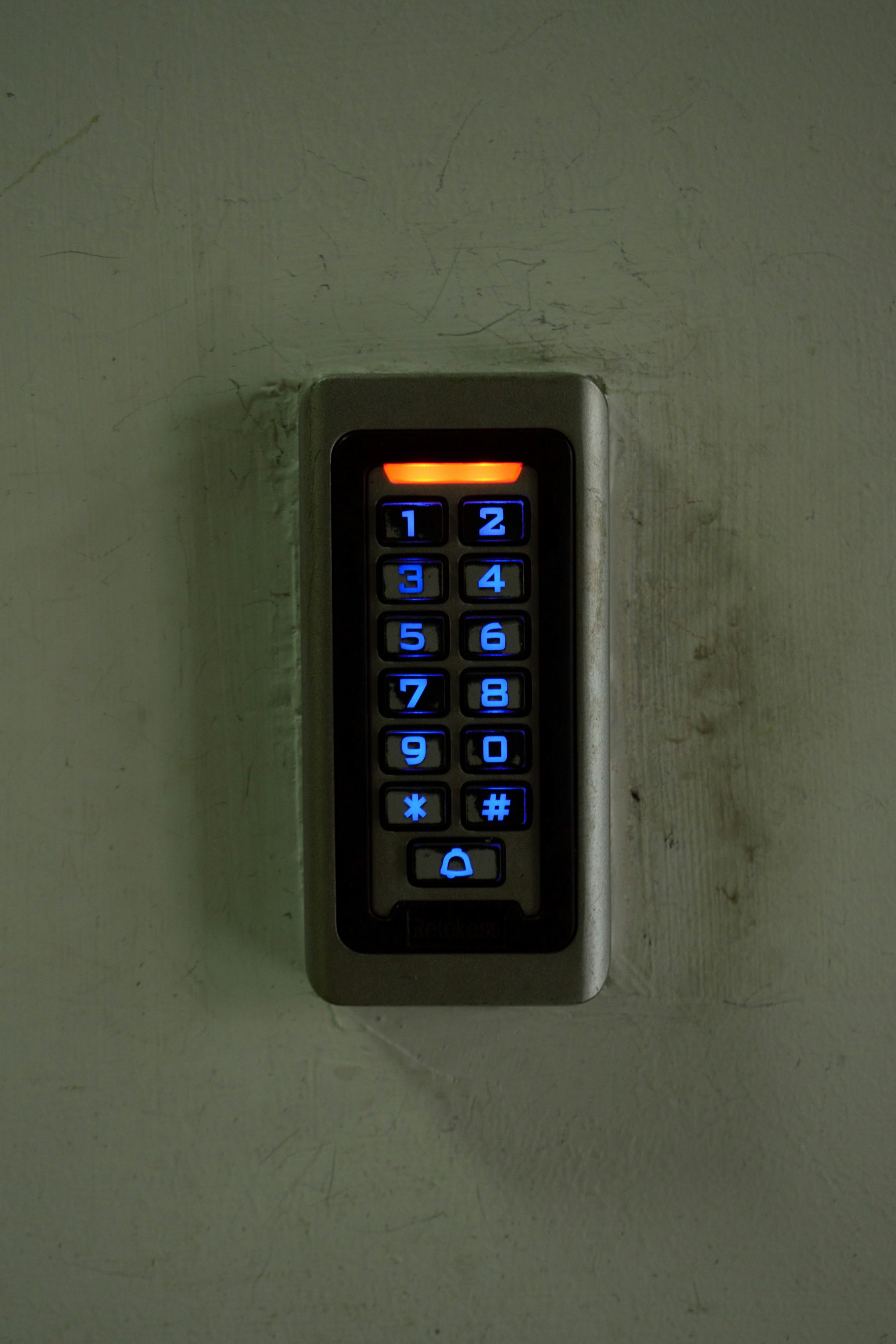
Let’s be honest: security advice online swings between two extremes. Either it’s completely ignored or it’s presented like you should be living in a bunker with a tinfoil hat collection. The truth? You don’t need to paranoid to be protected. You just need the right tools.
The weird part is that good security is actually simpler than bad security. Once you set it up, it takes less effort. But people skip it because they expect pain.
The one tool that actually matters
Bitwarden is my favorite argument for this. It’s a password manager that does exactly what you need and nothing more.
Here’s why it works: it stores your passwords, fills them in automatically, and generates strong ones when you need them. That’s it. No dark-web monitoring theater. No “security score” that makes you feel guilty. No pushing you to upgrade to premium because the free version is crippled.
You download it, you make an account, you start storing passwords. The free tier is genuinely useful—not a limited trial that’s basically unusable. It’s cross-platform, it syncs everywhere, and it’s open-source if you care about that kind of thing.
The core argument: using the same password everywhere is worse than using a password manager you trust. Bitwarden isn’t perfect, but it’s way better than the alternative, which is reusing “password123” across every service and hoping for the best.
Two-factor authentication isn’t as annoying as you think
This is where people lose me. They picture themselves being locked out of their email because they lost their phone, or fumbling with an authenticator app every time they log in.
But here’s the thing—two-factor authentication (2FA) isn’t actually a burden if you set it up right.
Use an authenticator app, not SMS. I know—authenticator apps sound harder. They’re actually not. You scan a QR code once, it syncs to your phone, and you get a code when you need it. Most of the time you’re not even logging in. You’re staying logged in.
The places where 2FA matters most? Email and password manager. If someone gets into your email, they own your entire digital life. If someone gets into your password manager, they own every account. Everything else is secondary.
You don’t need 2FA on your recipe website. You need it on the things that matter.
The minimalist security setup
Stop overthinking this. Here’s what actually works:
Use a password manager (Bitwarden or whatever you trust) and stop reusing passwords. That’s the biggest win, period.
Enable 2FA on email and any accounts with money or identity info. Authenticator app, not SMS. Do it once, move on.
Maybe grab a VPN if you’re on public WiFi regularly. This one’s genuinely useful if you work from coffee shops. I use one, not because I’m paranoid, but because unsecured WiFi is a real vector. It’s not about hiding from governments—it’s about keeping your email password from being sniffed by someone in the corner with a laptop.
Everything else—password leak alerts, browser fingerprint scanners, encrypted messaging apps you force your friends to download—is noise if you haven’t nailed these basics.
Where the rant comes in
Here’s what drives me crazy: the tools that want to seem secure more than they want to be secure. The ones that make you feel like you’re in a spy thriller just for checking your email.
And the companies that market “enterprise-grade security” for storing grocery lists. You don’t need military-level encryption for a note about buying milk. What you need is something that works, something you’ll actually use, and something that doesn’t make you want to give up on privacy altogether.
That’s why I like tools that are boring. Bitwarden is boring. 2FA is boring. They’re not exciting. They don’t have a sleek UI that makes you feel cool. They just work quietly in the background and solve a real problem.
The practical next step
If you’re not using a password manager yet, start there. Sign up for Bitwarden today. It’ll take 10 minutes to set up and will immediately reduce your worst security risk.
Once that’s sitting there, working quietly, then think about 2FA on the accounts that matter. Not because you’re paranoid. Just because you’re not interested in getting hacked.
The nice thing about boring, simple tools is that once they’re in place, you stop thinking about security entirely. You’re just living your life, and the tools are doing their job in the background.
That’s the goal. Not paranoia. Not constant vigilance. Just set it and forget it.
If you’re the type who likes consolidating your tools, apps that replace 5 other apps might interest you—same energy as password managers, really. And if you want to think more about the hidden cost of free tools, it’s worth a read before picking a password manager. Some free tools genuinely are free. Some charge you differently.