productivity
Pocket-Sized Productivity: 7 Phone Settings That Actually Help
October 19, 2025
Your phone ships with productivity features already built in. Most of us just ignore them. Here's what actually works when you flip the switch.
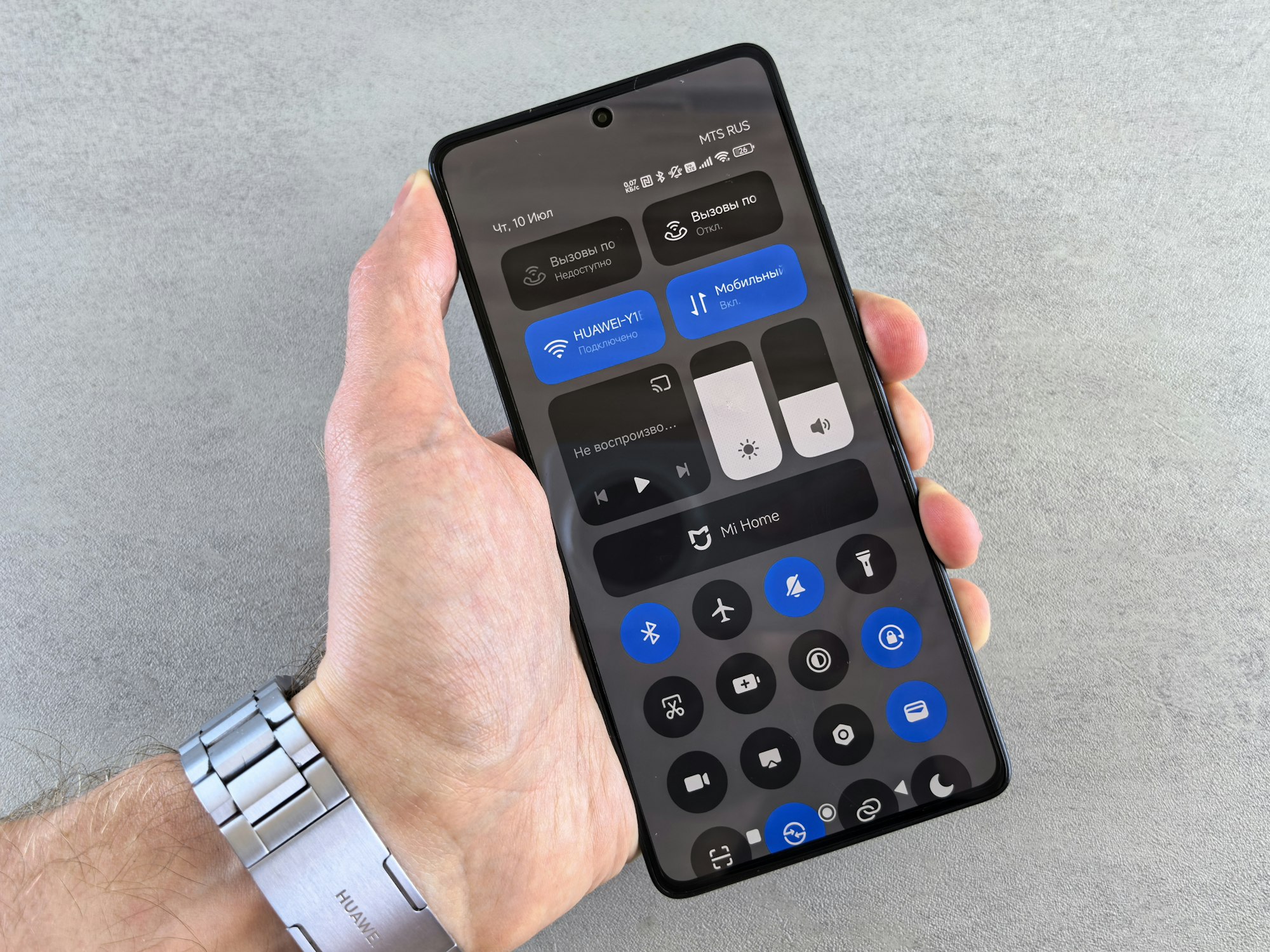
Your phone comes with more productivity features than you’re using. You don’t need another app, another notification, or another permission grant. You need to stop the noise. Here’s what actually moves the needle when you stop ignoring the Settings app.
-
Schedule your Do Not Disturb mode like you schedule meetings. Don’t just flip DND on during focus time. Set it to activate automatically every morning at 6am and every evening at 7pm. Your brain needs to know when quiet is coming — and when it’ll end. iOS and Android both let you create multiple schedules tied to different locations or times.
-
Turn on grayscale and own your phone more than it owns you. Colors are cocaine for your eyes. The moment you drain your screen of color, apps become tools instead of dopamine hits. You’ll reach for your phone less often. Go to Accessibility, find Display, and turn on Grayscale. You won’t miss the vibrancy as much as you think.
-
Set hard app limits before willpower fails you. Decide right now how many hours you’re willing to spend on Instagram, TikTok, Twitter — whatever your vampire is. Set that limit in Screen Time (iOS) or Digital Wellbeing (Android). When you hit it, the app locks. No “just five more minutes.” The decision’s already made. This works because it removes the negotiation.
-
Batch your notifications instead of letting them stream in all day. Go through every app and turn off notifications except the ones that actually need to interrupt you. Here’s the test: Would you answer a phone call for this? If not, it doesn’t need to notify you. Check messages on your schedule, not on the app’s schedule. That’s control.
-
Delete social media from your home screen and bury it two folders deep. Don’t uninstall it if you genuinely need it. Just make it inconvenient to access. Every tap is friction. Enough friction and you’ll use it intentionally instead of reflexively. Your home screen should show only what you actually use daily — calendar, notes, maps, maybe email.
-
Enable Bedtime Mode and stick it in your evening schedule. This warmer, dimmer display kicks in automatically before bed and actually helps you sleep. Pair it with DND during the same window. Your phone stops trying to grab your attention right when your body’s trying to wind down. It’s one of the few built-in features that genuinely works.
-
Turn off “badge” notifications on your apps — those little red numbers are begging. They exist to create a sense of urgency and incompleteness. You don’t need to know you have 47 unread emails or 3 pending Slack messages. Check when you choose to. The badges vanish when they can’t guilt you into opening apps.
None of these require a subscription. None require willpower. They’re all defaults hiding in the Settings app, waiting for someone to flip the switch. The best productivity system is the one you don’t have to think about — it just quietly moves the guardrails.
If this resonates, you might want to check out digital minimalism strategies — it’s the philosophy behind why these settings actually work. Or if you’re serious about reclaiming focus, focus tools for scattered brains covers the apps worth paying attention to when you’ve already stripped away the noise.