productivity
Starter Pack: Digital Declutter Without Losing Anything Important
February 11, 2026
Your digital life doesn't need a scorched-earth purge. Learn how to actually clean up files, apps, and subscriptions without the anxiety of losing something critical.
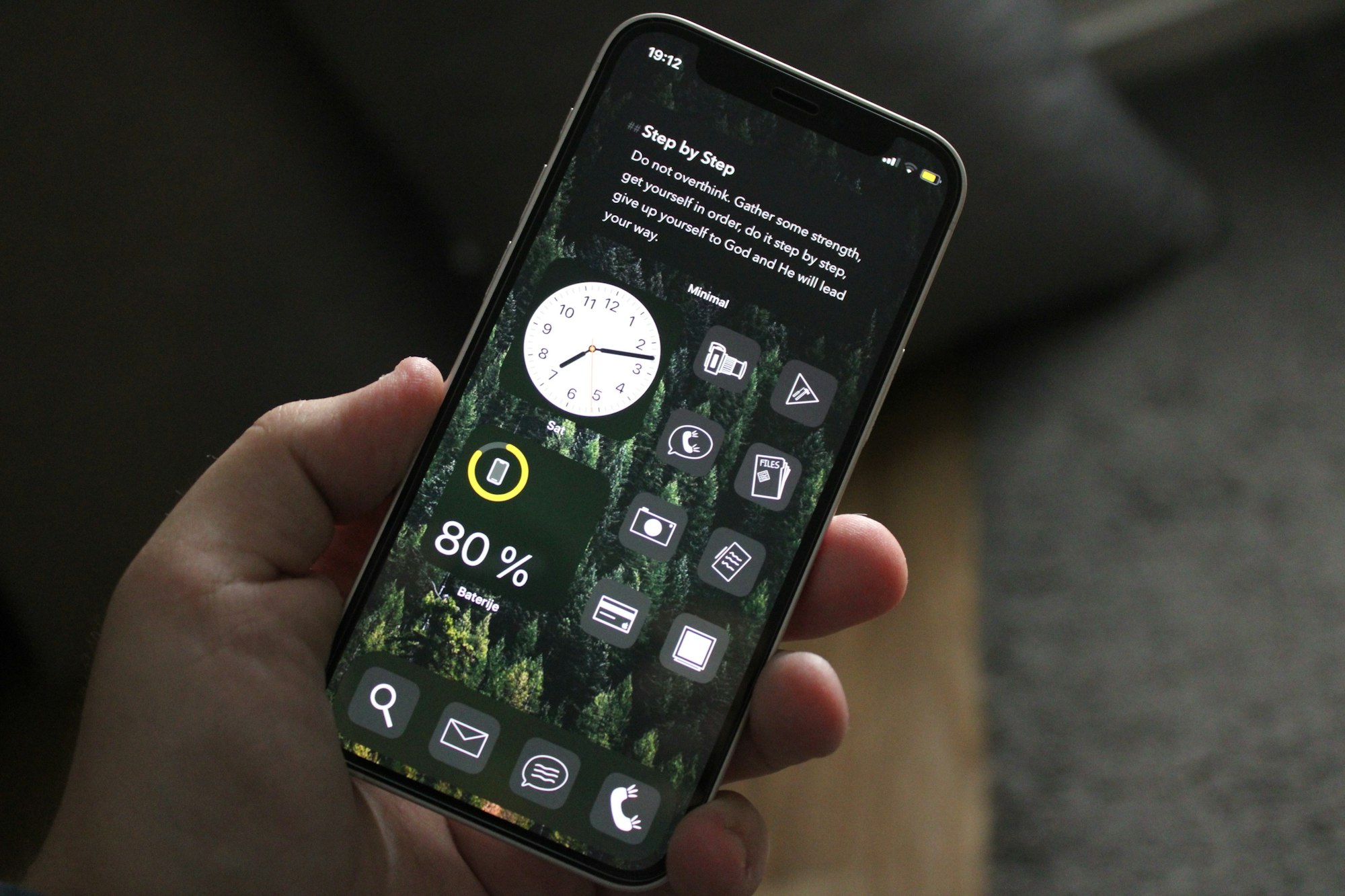
Your desktop has 427 files. You’re subscribed to 12 newsletters you never read. Your phone’s storage is full. And somewhere in a folder called “Stuff to Deal With Later” is something you might need someday.
Sound familiar? The thing is, you don’t need a nuclear option. You don’t have to delete everything and live like a digital monk. You just need to clean up enough to actually find things and feel like you’ve got some space to breathe.
Let me walk you through what actually works.
Start with the stuff that’s easy to see
Your desktop and downloads folder are usually the worst offenders because they’re visible. That visibility is actually useful here—start there.
Go through your downloads folder. You can safely delete almost everything in there. If you really needed a file, you’d have moved it somewhere meaningful by now. The rest is just clutter. Screenshot from three months ago? App installer you used once? Gone.
Your desktop gets the same treatment. Keep maybe 3-5 things. A current project folder. A screenshot dump. Whatever you actually reference. Everything else can move to a proper folder in your documents. Your brain will actually work better with less visual noise.
This takes 20 minutes and feels instantly rewarding. Do this first.
Audit your subscriptions and apps (the painful one)
Here’s the reality: most of the apps on your phone and most of the subscriptions in your email aren’t serving you. They’re just taking up space and occasionally making you feel guilty.
Go through your phone’s app library. For each app, ask: “Have I used this in the last month?” If the answer is no, delete it. You can always reinstall it later if you actually miss it (you won’t).
For subscriptions, check your email’s trash and spam folders for anything you signed up for and forgot about. Then do an honest audit of what you’re actually paying for. Newsletter subscriptions especially—unsubscribe from five right now. You’ll survive. You’ll probably feel better about it.
The key shift: you’re not trying to be a minimalist. You’re just removing the stuff that’s not actually helping you.
Files and folders: archive instead of delete
This is the thing that stops people. “What if I need it?”
You probably won’t. But here’s the move: create an archive folder. At the end of the year, anything you haven’t touched goes into Archive-2025. Same structure as your main folders, but separate. Out of sight, searchable, never deleted.
This scratches both itches. You keep the stuff but get it out of your way. And if you ever actually need it, it’s there. Most people never touch their archive. But knowing it’s there removes the anxiety of deletion.
For your current workspace, keep only what you’re actively using. Projects in progress. Recent documents. Everything else goes to archive.
Photos: the sneaky space hog
Your phone’s camera roll is probably massive. And those 50 screenshots of text you should’ve saved as PDFs? They’re all sitting there taking up space.
Delete the blurry ones. Delete duplicates. The ones of your kid at the soccer game that are basically identical? Keep your favorite. Delete the rest.
Move old photos to cloud storage and then delete them from your phone. Same with screenshots—they should be organized somewhere proper, not floating in your camera roll forever.
You don’t need to go through 1,000 photos this week. Start with the last 100 and see how it feels.
Cloud storage and email: the long game
Cloud storage is deceptively easy to clean up. Go through your Google Drive or Dropbox. Delete old project folders you’ll never touch again. Move completed work to an archive folder. You’d be surprised how much space you free up.
Email is bigger. You don’t have to delete old emails (honestly, why bother?). But you can unsubscribe from newsletters, promotional lists, and anything that’s just noise. Every unsubscribe is one less thing cluttering your inbox going forward.
For old accounts, delete or deactivate the ones you don’t use. I’m talking about those services you signed up for once and never went back to. It takes 10 minutes per account and honestly feels pretty good.
The philosophy: archive, not annihilate
This is the real thing. You’re not trying to achieve some Instagram-worthy minimalist aesthetic. You’re trying to create a system where you can actually find stuff and you’re not drowning in digital clutter.
Archive aggressively. Delete rarely. Keep things organized enough that you can breathe.
Start small. Pick one area—your downloads folder, your apps, one subscription. Do that this week. See how it feels. Then move to the next thing. In a month, you’ll have a digital life that actually makes sense.
And here’s the thing: once you’ve done it once, staying on top of it is way easier. New files go to the right place. Apps you’re not using get deleted immediately. It’s not maintenance—it’s just how you operate.
Related reading: If you want to go deeper on organization philosophy, check out how I organize my digital life and why I stopped reorganizing it. For more on the broader approach, see digital minimalism starter pack 2025.