career-work
Starter Pack: Freelance Design Without a Design Degree
October 11, 2025
You don't need a design degree to land clients. Here's the lean toolkit to go from zero design skills to charging for work.
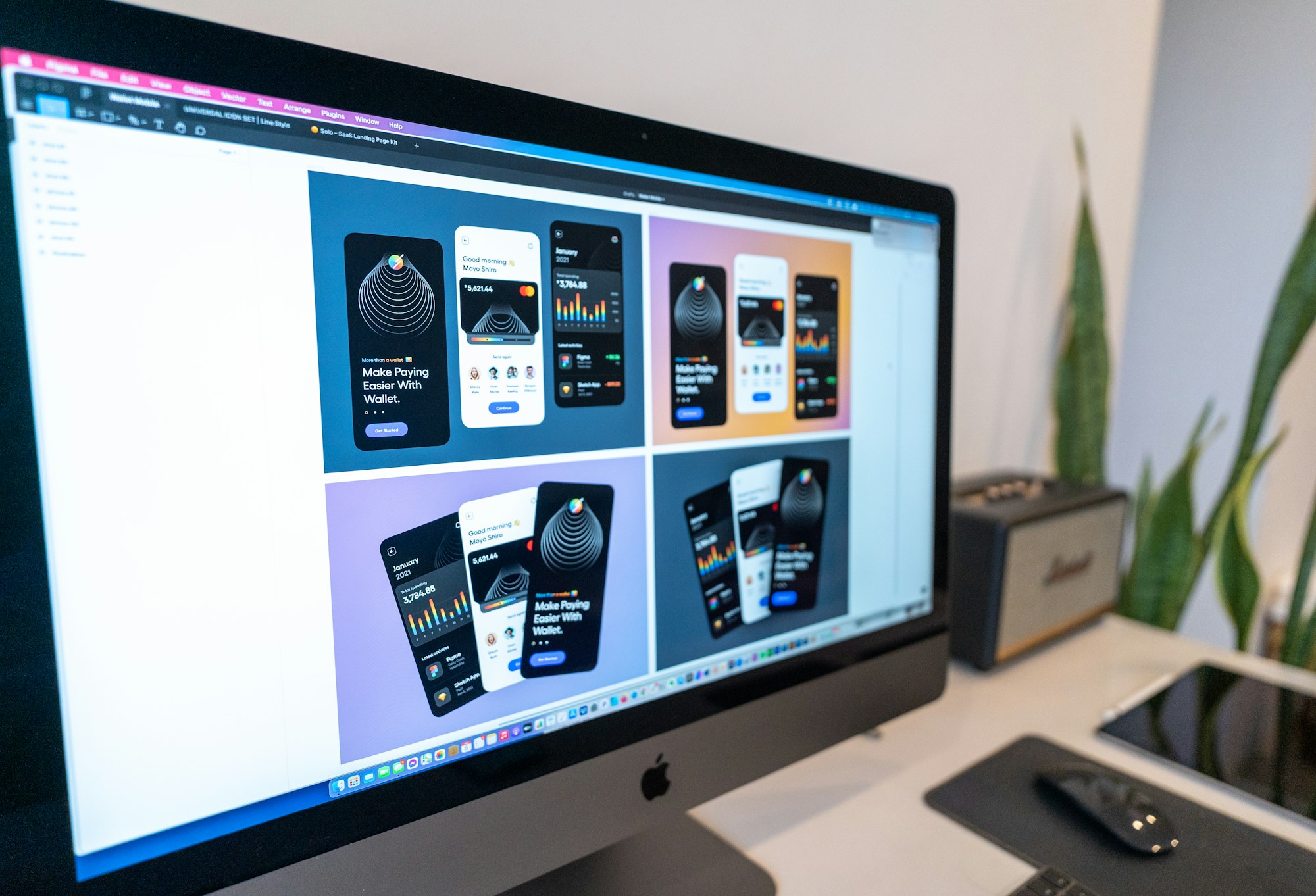
So you want to do freelance design work but didn’t go to art school, and honestly, that’s not actually a problem anymore.
I know the fear. You see designers with degrees and think you’re locked out. But design has democratized in the last five years. The tools are accessible. The learning is free. The clients don’t check your resume — they check your portfolio.
What matters now is learning the fundamentals, picking the right tools for your skill level, and building work that actually shows clients you can solve their visual problems.
Start with Canva — Your Training Wheels
Canva is where you go when you want to make something that looks designed without needing to know design. This is your entry point.
What it does: Thousands of templates for social media, presentations, graphics, business cards, all drag-and-drop. You’re not starting from a blank canvas (good — that’s intimidating). You’re rearranging pre-built components.
Why it matters for beginners: You’ll learn layout, color, hierarchy, and balance without fighting a steep learning curve. You’ll also build client work faster, which means you can take on more projects and learn more.
Free tier gets you pretty far. When you hit its limits (and you will), you’re ready for the next step.
Move to Figma — The Pro Tool
Figma is what actual designers use. It’s browser-based, collaborative, and has a generous free tier that doesn’t expire.
What’s different: You start with blank canvases here. No templates holding your hand. But you get vector drawing, real design layers, and a tool that scales from simple social graphics to full website prototypes.
Free tier is legit. You get two projects, which is enough to build a portfolio. When clients ask for design work, Figma is what you’ll use.
Learning curve: Steeper than Canva, but YouTube tutorials are solid. Plan 2-3 weeks of casual learning before you’re comfortable. Get the fundamentals of layers, artboards, and typography down first. The rest clicks faster than you’d expect.
Templates as Your Secret Weapon
Don’t sleep on templates. Design templates aren’t cheating — they’re how professionals accelerate.
Creative Fabrica ($14/month) gives you unlimited downloads of templates, graphics, fonts, and stock photos. Seriously handy when you’re starting out.
GraphicRiver and Envato Elements are the other standard choices. Slightly more expensive per item, but massive catalogs.
Real talk: You’ll adapt these templates, remix them, and eventually build from scratch. But in month one and two, templates let you take client work while you’re still learning.
Learn the Fundamentals (Free)
You don’t need formal education. You need to understand why good design looks the way it does.
YouTube channels worth your time:
- Flux — typography and layout principles that stick
- The Futur — branding and design thinking
- DesignCourse — everything from UX to web design
Spend 30 minutes a week on one of these. Not a Netflix binge, just consistent exposure. Pick one concept per video and practice it in Canva or Figma that same day.
Free courses:
- Skillshare (the free tier has limits, but enough to start)
- Coursera design basics (free to audit)
- Google Design courses (genuinely good, genuinely free)
I wrote about beginner content creator tools which covers a lot of the same free resource philosophy — the principle is the same whether you’re learning design or creating content. These gaps matter.
Build Your Portfolio (Before You Have Real Clients)
This is the part most people skip, and it costs them.
You don’t wait for clients to build a portfolio — you build it to get clients. Design 5-10 pieces using the templates and skills you’re learning. Make them realistic (fake projects, but real deliverables): redesign a local restaurant’s menu, create a brand identity for an imaginary product, redesign a friend’s LinkedIn header.
These are your interview. They don’t have to be genius-level work. They just have to be clean, purposeful, and better than stock templates.
Put them on Behance, Dribbble, or a simple portfolio website. Most clients will never look at these, but some will. And it keeps you focused on shipping actual work instead of endless learning. This is also where your visual identity matters — which ties into building a personal brand from scratch if you’re thinking beyond just freelance gigs.
Price Your First Gig Without Losing Your Mind
This is where beginners usually either charge nothing or way too much.
First project: $300-500 for something small (logo redesign, social media templates, business card design). You’re not pricing your skills yet — you’re pricing the project.
Second project: $500-800. You’re getting faster and better.
By project five, you’ll have a sense of your speed and quality. Then you can talk about hourly rates or project pricing that actually feels fair.
Don’t offer free work. Not “just to build your portfolio” — that’s sunk cost thinking that breaks your rate later. Charge something from day one. Even $200. It changes the dynamic of the relationship and keeps you honest about quality.
The Honest Truth
You’ll feel like a fraud for a while. You’ll see other designers’ work and think yours isn’t close. Keep going anyway. Your portfolio will improve faster than you expect, and clients aren’t comparing you to design school graduates — they’re comparing you to overpriced agencies and mediocre freelancers.
The barrier to entry is gone. Your competition is your consistency and your willingness to ship work that’s not perfect.
And if you’re just starting freelance work in general, freelance fire starters is the bigger playbook.
Now go make something.