tools-resources
Task Managers I've Tried and What Actually Stuck
December 14, 2025
I've cycled through task managers like diet plans. Here's what I learned: the tool matters less than knowing what to capture, and most managers fail because they're built for people who don't exist.
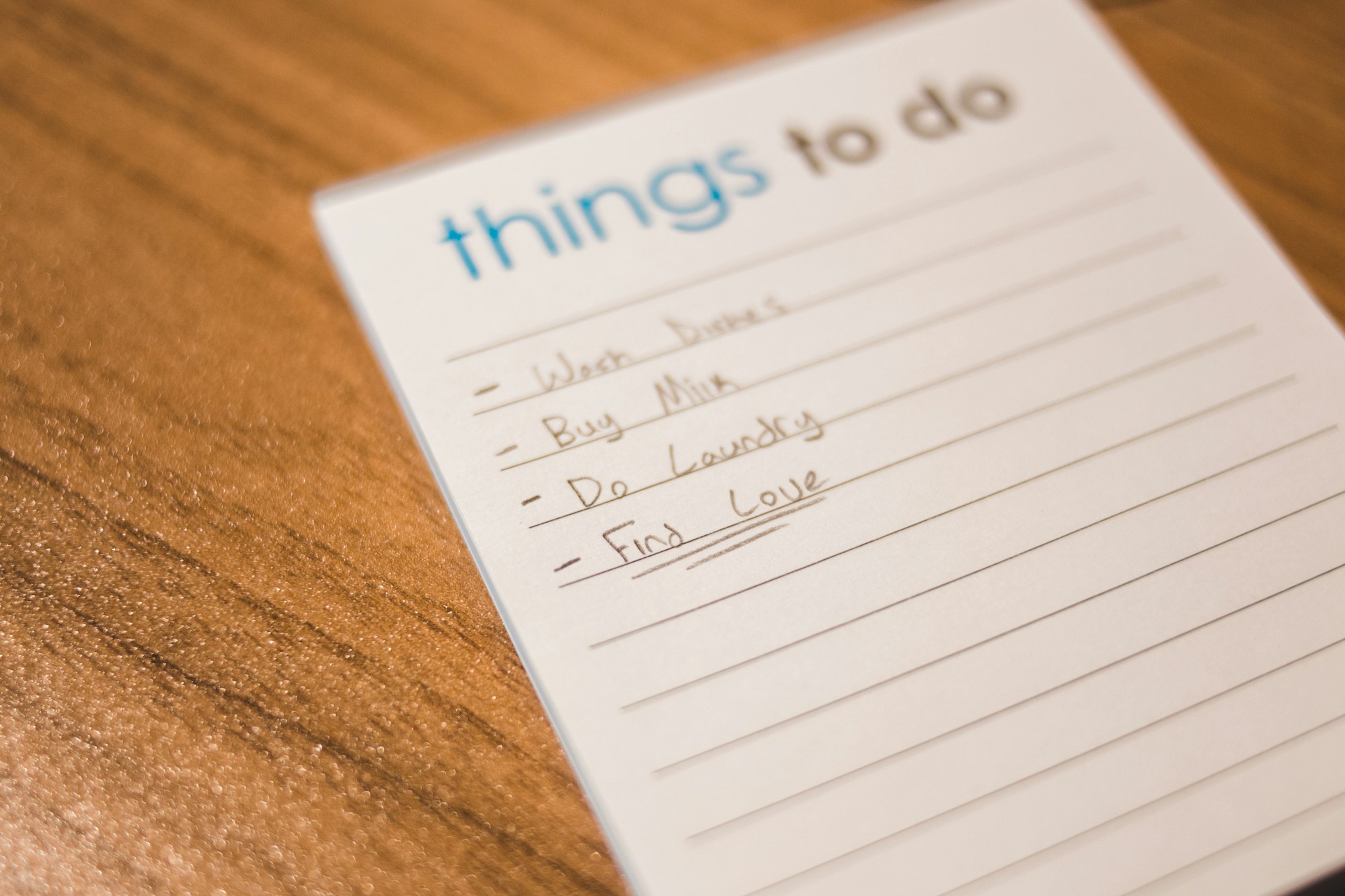
I used to think the right task manager would fix my productivity. Not my habits—my tools. I’d spend a weekend setting up the perfect system in Todoist, Things, TickTick, Notion, OmniFocus. The app would feel clean and purposeful for exactly two weeks. Then real life would hit, I’d miss a day of maintenance, and suddenly the whole thing would feel like a graveyard of abandoned projects.
The problem was never the app. The problem was that I had no idea what to actually put in the app.
The Search for the Perfect App (Spoiler: There Isn’t One)
Here’s what happened in my cycle: I’d find a new tool, get excited about its features, and treat feature-richness as a proxy for quality. More automation means more power, right? Wrong. More features meant more places where I could set up the perfect system and fewer places where I’d actually maintain it.
Todoist felt like the gold standard at first. It has reminders, recurring tasks, filters, integrations—basically everything you’d need to manage every aspect of your life. I set up nested projects, custom labels, and a color-coded priority system. It looked amazing. Within three weeks, I’d added 60 tasks, my lists had become overwhelming, and I stopped using the app entirely because the cognitive load of maintaining it exceeded the benefit of having tasks written down.
Things promised elegance and simplicity. It delivered on the first part. The design was buttery-smooth, and you actually wanted to open it. But here’s the sneaky trap with beautiful apps: you use them because they’re pleasant to look at, not because they help you work. I was opening Things to admire my task lists more than to actually complete work.
TickTick tried to split the difference—powerful but not overwhelming. It almost worked. But it’s also the kind of app that gets better the more you learn its system, and the learning curve meant I spent more time learning the app than being productive. That’s a subtle red flag.
Plain text files in a folder. This is where things got interesting. I had a period where I stopped overthinking and just kept a markdown file called today.txt and another called someday.txt. No syncing, no clever organization. Every day I’d look at both, mentally prioritize what mattered, and do three things. The simplicity was shocking. I got more done in those two months than I had in the previous six months with fancy apps.
What Actually Matters (It’s Not the Tool)
After cycling through enough managers to know better, I realized the real lesson: the tool doesn’t make the system; the clarity does.
A good task manager needs exactly three things:
1. Something to put in it. You need to know the difference between an idea, a task, and a commitment. Most people dump all three into their task manager and end up with a list that tells them nothing. I learned this the hard way when I finally read about filtering your to-do list instead of just adding more items. The app didn’t change—my discipline about what I captured changed everything.
2. A way to filter ruthlessly. Not all apps do this equally. Some force you to be thoughtful about priority; others let you pretend everything is equally important. I’ve found that the tools that force you to choose—like Things, which makes you pick a time and a deadline before you can save a task—actually work better than apps that let you add infinitely. Constraints are features.
3. Staying power in your actual life. This is where most systems fail. A task manager needs to survive your worst days, not just your best ones. When you’re tired, stressed, and three weeks behind, does the app get in your way or help you triage? If it requires a 20-minute setup to use effectively, it’s too heavy for real life.
What I Use Now (And Why It Actually Sticks)
I’m currently on a hybrid system that evolved from years of painful experimentation.
For daily capture and execution, I use a simple plaintext system: a dated file that I open in my text editor each morning. It takes 60 seconds to create, zero seconds to maintain, and it syncs across devices because it’s just files. This is where my actual work lives—my three priorities for the day, nothing more. It sounds absurdly primitive, but it works because I don’t have to think about the tool. I think about the work.
For longer-term tracking, I use TickTick, but only for projects and deadlines more than two weeks away. Once a project enters “this week” territory, it graduates to my daily file. This two-tier system keeps my long-term view clear without cluttering my daily focus. Most task managers fail here—they try to be both your strategic planner and your daily notebook, and they end up excelling at neither.
For recurring maintenance tasks and habits, I use a physical calendar I check weekly. This sounds archaic, but recurring digital reminders have a way of becoming invisible noise. Something about writing it by hand and looking at it physically makes it feel like it actually matters.
The throughput isn’t impressive on paper. But the system survives vacation, illness, and the inevitable weeks when life detonates your plans. That’s the actual test.
Why Most Task Managers Fail (And How to Pick One That Won’t)
The design flaw: Most task managers are built for someone with perfect conditions—calm life, predictable schedule, time to maintain the system. They break when you’re overwhelmed, which is exactly when you need a task manager.
The feature trap: More features feel like power, but they’re usually friction in disguise. The best tool I’ve used had fewer features, not more. It had just enough to do the job without requiring a learning curve.
The syncing myth: You don’t need your task manager on seventeen devices. You need it where you actually do your work. If you’re a knowledge worker at a desk, a browser-based app is enough. If you’re doing field work on your phone, prioritize mobile. Most people pick tools that sync everywhere and use them nowhere.
The customization illusion: The ability to create custom fields, colors, and nested categories feels powerful until you realize you’ve spent three hours organizing and zero hours executing. I’ve learned to be suspicious of any app that makes customization its main selling point.
If You’re Picking a New One
I won’t tell you to use what I use. Your brain works differently than mine. But here’s how to evaluate a tool without wasting six months:
Test it for seven days with real work. Not a gentle test—use your busiest week. Does the app get in your way when you’re stressed? Does it help you triage or just make you feel guilty about unfinished tasks?
Ask: Can I use it without learning it? If you need a tutorial or a YouTube video to feel comfortable, the learning curve is too high.
Check if it survives neglect. Miss a day of using it. Does it help you get back on track or does it punish you with guilt?
Make sure it fits your actual workflow. Not the workflow you think you should have. The one you actually use. If you make quick decisions and move fast, a tool that requires deliberation on every task is wrong for you. If you like to think things through before committing, a simple quick-capture tool will fail.
The right tool is the one you’ll use when you’re tired, busy, and skeptical that anything will help. For me, that’s still mostly text files and a calendar. For you, it might be TickTick or Things or something completely different. What matters is that you use it consistently, without drama, for longer than two weeks.
That’s the only measure that actually matters.
If you’re struggling with deciding what deserves to be a task in the first place, check out how focus systems work without willpower—getting clear on what to prioritize usually solves half the task-manager problem. And if your issue is that your task list has become another source of anxiety, building a real productivity system matters way more than which app you choose.
Ready to get out of tool-hopping mode? The trick isn’t finding the perfect manager. It’s knowing exactly what to feed it.