productivity
The Inbox Zero Lie (And What to Do Instead)
March 8, 2026
Inbox zero is a trap for most people. Here's why the goal itself is broken, and what actually works.
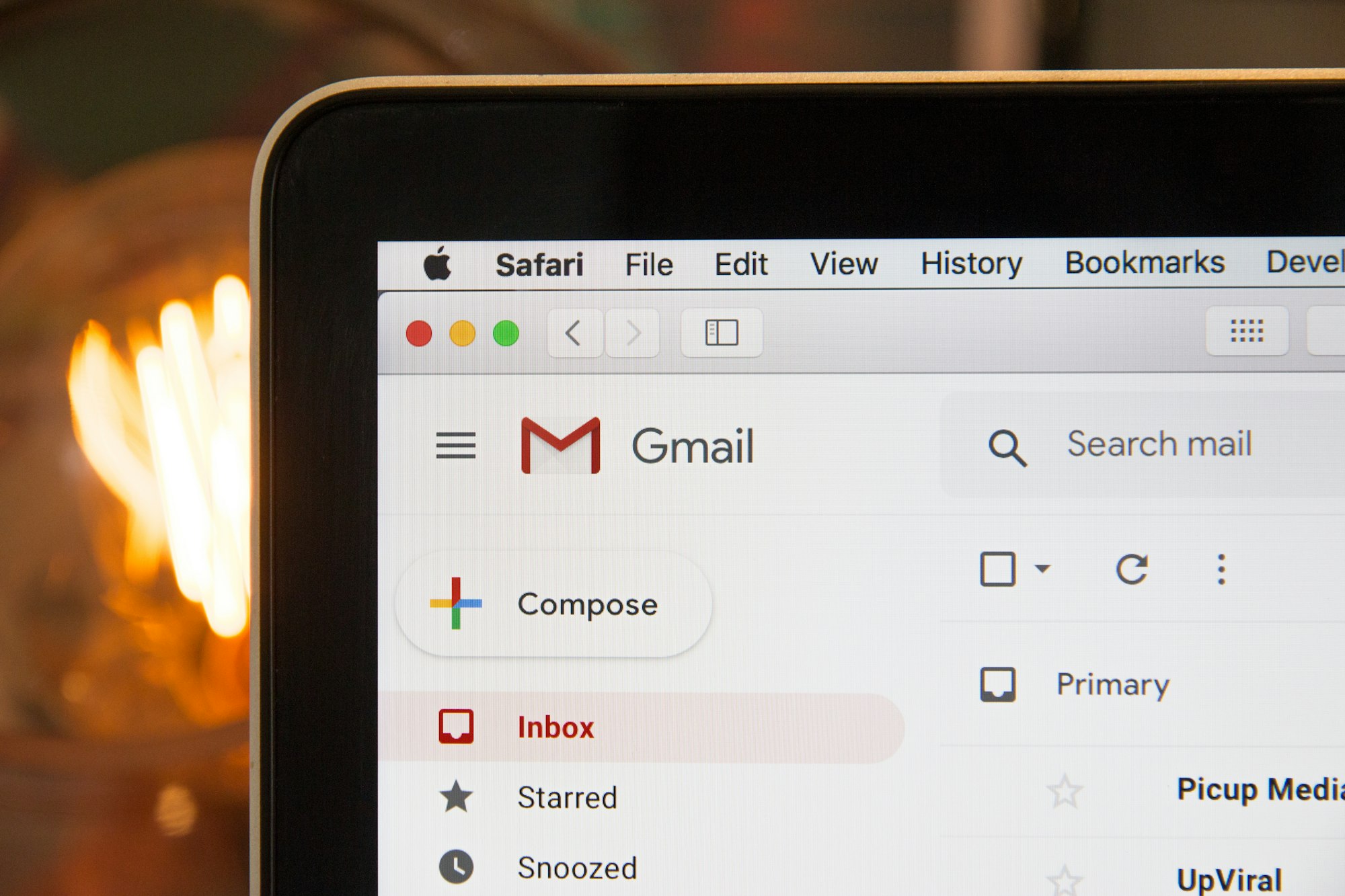
Everyone says the same thing: achieve inbox zero and you’ll finally have peace. Get that number down to zero, organize everything perfectly, and you’ll feel calm, in control, like you’ve conquered the chaos.
Here’s the truth: inbox zero is a beautiful lie. And the moment you achieve it, you’ll realize why.
I’m not saying having an organized email system is bad. I’m saying the zero—that magic number—is a mirage. It’s not the goal. It’s not the solution. And for most people, chasing it creates more stress than it solves.
The Myth vs. The Reality
Let’s be fair to the inbox zero crowd. Their core insight is right: an overflowing inbox feels overwhelming. When you’ve got 2,847 unread emails, something’s broken. That part is real. The problem isn’t the messiness itself—it’s that you have no idea what’s in there. You’re living with uncertainty. Is something critical buried? Did you miss a deadline? The anxiety is reasonable.
But then they prescribe the solution: achieve zero. Process every email. Archive it. Delete it. Sort it. Just make the number stop.
Here’s the catch: if you’re disciplined enough to hit zero, you’ll be back to 47 unread emails by Thursday. You didn’t fix anything. You just built a system that requires constant maintenance.
And if you’re not that disciplined? Well, now you feel like a failure on top of the original chaos.
Why Zero Doesn’t Actually Solve The Problem
The inbox zero movement treats email like a to-do list. It treats every message like a task that needs processing. But email isn’t tasks. Email is incoming communication—some of which matters, most of which doesn’t, and none of which actually needs you to achieve a specific number to be “handled.”
Let me break down what inbox zero assumes:
You have time to process everything. You don’t. Not if you’re actually getting work done.
Every email deserves a decision. It doesn’t. Some emails are just noise. Some are FYI. Some are part of a conversation you don’t need to be in.
Reaching zero means you’re done. You’re not. New emails arrive the moment you hit zero, and now you’ve failed immediately. You’ve built a system where “success” is a temporary state that lasts approximately three minutes.
The number correlates to your sense of control. It doesn’t. As I’ve written about before, the real difference between busy and productive comes down to decision-making, not inbox management. You can have a 0/unread inbox and still be spinning your wheels on low-impact work. You can have 200 unread emails and be crushing your priorities. The number is a vanity metric.
What Actually Works Instead
Here’s the reality: you don’t need inbox zero. You need email triage.
The goal isn’t to process everything. The goal is to know, at a glance, what’s actually urgent and what can wait. That’s it.
Step 1: Accept That Most Email Doesn’t Need You
First, unsubscribe. Seriously. Spend 20 minutes this week and kill newsletters, notifications, and marketing emails. If you’re not reading it, it doesn’t belong in your inbox. Every unread email you didn’t ask for is a small failure of your own boundaries.
Then create filters for the rest. Emails from certain people? Auto-archive. Notifications from tools? Straight to a folder. Receipts? Auto-file.
You’re not trying to process these. You’re trying to get them out of your way so you can focus on what matters.
Step 2: Use Flags, Not Inbox Clutter
Don’t try to make your inbox look empty. Use email flags or stars to mark what actually needs a response. One flag: requires action. Everything else stays in the broader inbox without psychologically demanding your attention.
This is the secret most people miss: you don’t need zero. You need a clear view of what’s genuinely pending. If you have ten flagged emails and 300 others, and you know the ten are what matter, the 300 stop being noise. They’re just storage.
Step 3: Batch Processing, Not Constant Vigilance
Here’s what productive people actually do: they check email in scheduled windows, not constantly. As I’ve written about, your habits around email matter far more than the tool itself. Twice a day. Morning and afternoon. That’s it. In those windows, you:
- Flag anything that needs action
- Delete obvious spam
- Archive everything else
Then you close the app and walk away.
You’re not trying to make the inbox disappear. You’re trying to make it irrelevant until the next window.
Step 4: Accept Imperfection
Here’s the final piece: inbox zero is perfectionism. And perfectionism like optimization taken too far, becomes the enemy of actually getting things done. You can spend three hours getting to zero, or you can spend ten minutes knowing which emails matter and moving forward with your actual work.
The ten-minute approach wins. Every time.
The Real Goal
Stop chasing the number. Start chasing clarity.
You need to know what’s pending and what’s not. You need a way to distinguish signal from noise. You need to process email fast enough that it doesn’t pile up, but not so fast that you’re obsessing over it.
That’s not inbox zero. That’s email that works without working you.
It looks like 150-300 emails in your inbox, all processed within the last week. It looks like knowing your ten flagged items are real priorities. It looks like checking email twice a day and not thinking about it the rest of the time.
Start there. Stop chasing zero. Get your system to “clearly organized and checked routinely,” and then walk away. You’ll be more productive, less stressed, and you won’t spend your life archiving messages to hit an arbitrary number.
That’s what actually winning at email looks like.