technology
The Minimalist Phone Setup (No, You Don't Need to Go Flip Phone)
December 6, 2025
Digital minimalism doesn't mean going Amish. Here's how to make your phone work for you without pretending it's 2005.
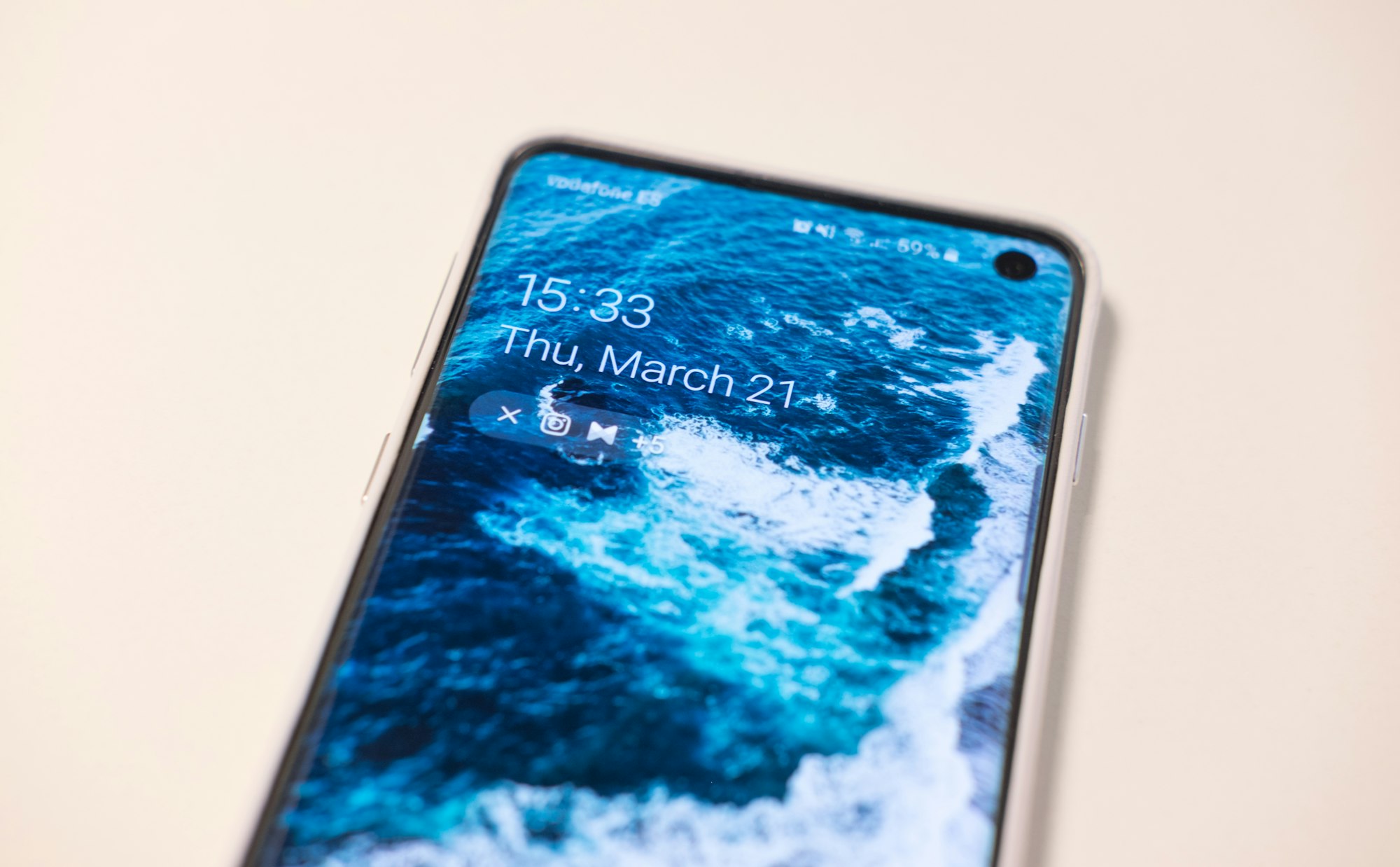
Your phone isn’t the problem. Your phone is a tool you’re using like a sloppy driver uses a car — with your hands all over the wheel, half asleep, waiting for a crash.
The digital minimalism crowd wants you to believe the only solution is to smash it against a rock and buy a flip phone. That’s not wisdom. That’s performance art masquerading as a life choice. You can’t run a modern life, manage clients, stay connected to people who matter, and file taxes from 2005.
What you can do is set up your phone so it works for you instead of working against you. That means intention, not abstinence.
The lie you’ve been sold
Here’s what most “digital minimalism” content won’t tell you: the reason your phone feels like a slot machine is because someone paid good money to make it feel exactly like that. Apple and Google employ entire teams whose job is to make apps stick to your brain.
But here’s the other part they won’t tell you: you can fight back without nuking the entire device.
The flip phone narrative is appealing because it’s simple. You delete the thing, problem solved. But simplicity isn’t the same as wisdom. Simplicity is abdication — you’re not choosing how to use technology, you’re just running away from it.
A real minimalist phone setup doesn’t ignore your phone’s utility. It maximizes it while strangling its ability to distract you.
Start by deleting almost everything
This is non-negotiable. Open your phone right now. Count your apps. If you have more than 30, you’re carrying dead weight.
I’m not being metaphorical. Delete the apps you installed “just in case.” Delete the social media apps you check twice a month. Delete the news apps, the productivity apps you don’t use, the games you’ll never touch again. Delete them.
The friction of going back to the web version of a service you use three times a year is good friction. It forces you to decide: “Do I actually want to do this right now?” Most times, you won’t.
Keep only:
- Communication apps you actually use (messaging, email, maybe one social platform if you genuinely need it for work)
- Maps
- Banking/payment apps if you use them regularly
- One note-taking app
- Music or podcast app if you listen often
- Calendar
- Phone’s camera
That’s it. Everything else belongs in the web browser or stays off your phone entirely.
Kill notifications, almost all of them
Your phone’s default setting is to interrupt you constantly. That’s not an accident — that’s the business model.
Go to Settings and disable notifications for every single app except: incoming calls, text messages, and calendar events. Everything else gets muted. Yes, email too. You don’t have to respond to email in 45 seconds. Nobody does.
This is the single most effective change you can make. Not because you’ll stop using your phone, but because your phone will stop owning your attention.
Slack. Instagram. News apps. Reminders to finish podcasts. All of it — off. If it’s important, the app can wait until you decide to open it.
Home screen is your command center
Your home screen should have exactly what you use daily. A typical setup:
Top row (above the dock): Clock widget, weather, or a note widget showing today’s to-do. One widget max.
Dock (4 items): Phone, messaging app, calendar, camera.
Everything else off the home screen. Seriously. Folder the rest into a second screen you see only if you deliberately swipe.
This does two things. First, it removes the constant visual temptation to open apps you didn’t mean to open. Second, it makes everything you do use immediately visible, so the phone becomes less of a game and more of a tool.
Use greyscale for the nuclear option
Here’s the hack that actually works: your phone is addictive partly because it’s beautiful. Colors catch your eye. Icons are designed to be irresistible.
Turn on greyscale. (Settings → Accessibility → Display → Greyscale.) Suddenly, your phone looks like it’s from 2010. It’s not exciting anymore. You pick it up to do something, not to look at something pretty.
This sounds silly. Try it for three days and you’ll see — the number of times you pick up your phone shrinks by 40%. You can keep this on permanently or toggle it on using Control Center when you’re at your desk trying to focus.
The timing trap: when you check your phone matters more than how much
You don’t need to become a hermit. You can use your phone. The key is batching your checks instead of letting your phone interrupt your day in micro-bursts.
Instead of checking apps throughout the day, designate times: Check messages at 9 AM, 1 PM, and 5 PM. Check email the same way. Give yourself a 15-minute window each time, then move on.
This sounds restrictive. It’s actually liberating. Your brain stops living in a state of partial attention. You finish tasks. You have real breaks instead of thumb-scrolling interruptions. And you still respond to actual urgent things because you’re checking regularly — just on your schedule.
The thing everyone skips: the mental shift
Here’s what determines whether your phone setup sticks: whether you actually believe your phone should serve you.
Most people set up their phone to be “minimal,” then they spend three days fighting the urge to revert to old habits. That’s not willpower failure. That’s not having a real reason to keep it minimal.
Ask yourself: What do I actually want to do with my time? If you want to read, write, think, move, or spend time with people, then a phone designed to interrupt you every 30 seconds is the enemy. Once you’re clear on that, the minimalist setup isn’t punishment — it’s protection.
If you’re setting up a minimal phone just because you read an article about digital wellness, you’ll cave in a week. You need your own reason.
You don’t need to go full flip phone or pretend technology doesn’t exist. You need a phone that’s honest about what it is: a tool for communication, navigation, and occasionally entertainment. Not a portal to anxiety. Not a slot machine you keep pulling.
The setup I’m describing is ruthless but doable. You lose almost nothing useful and gain back hours of attention you didn’t know you were bleeding away.
Start today. Delete five apps. Turn off notifications. See what happens in a week.
If you’re struggling with focus more broadly, this setup pairs well with the uncomfortable reality of deep work — it’s about creating conditions where you can actually concentrate. And if you’re feeling overwhelmed by your digital life overall, why I deleted most of my bookmarks covers the same philosophy applied to information.