content-creativity
Starter Pack: Getting Into Podcasting (Without Spending a Fortune)
January 28, 2026
Start a podcast without gear that costs thousands. Here's the actual setup you need, plus hosting and distribution that won't drain your wallet.
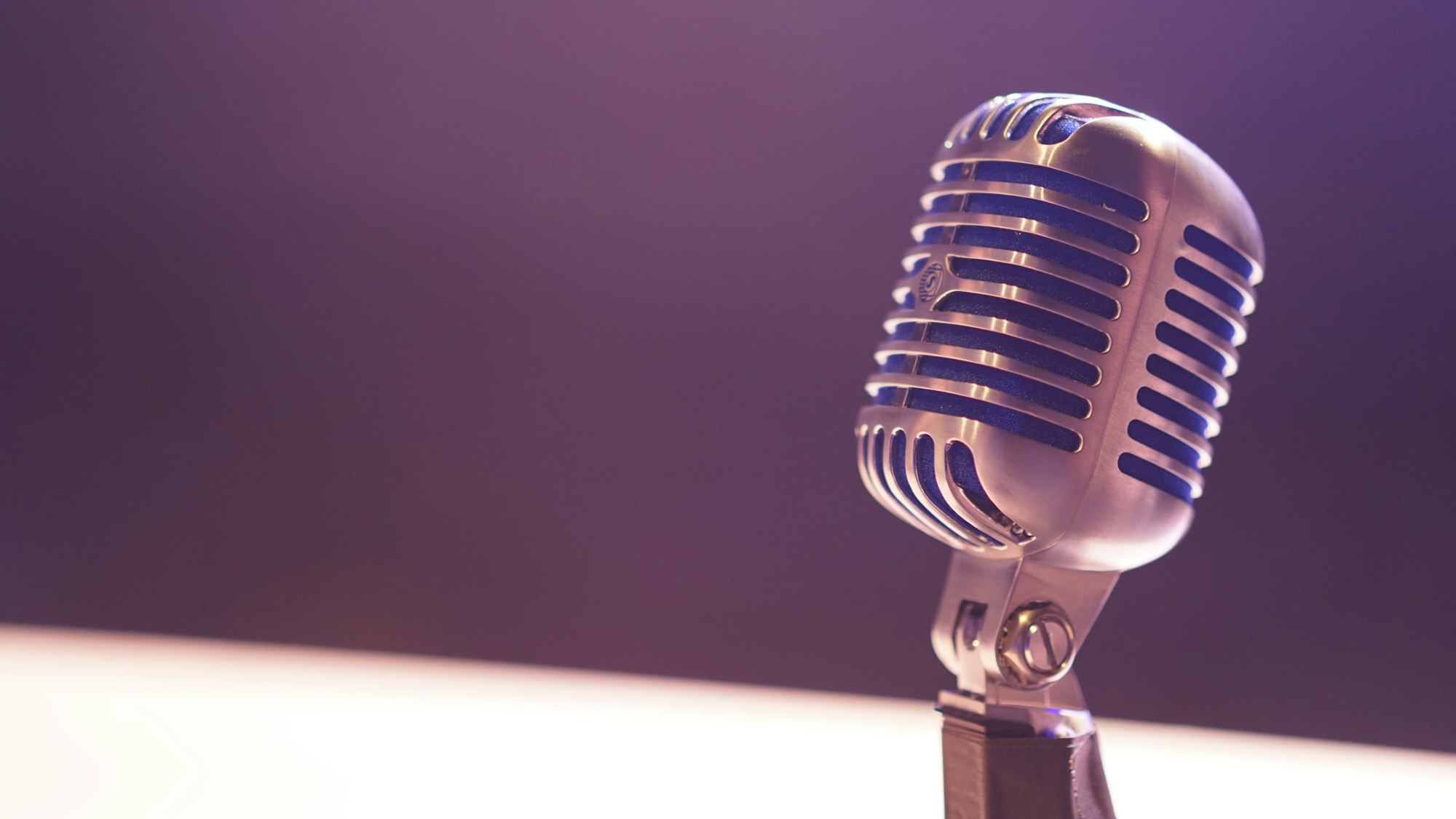
So you want to start a podcast but don’t want to spend $5,000 on a microphone you’ll use for three episodes before life gets in the way.
Good instinct.
The myth of podcasting is that you need professional studio equipment to sound decent. The reality? You can record legitimate, listenable audio with gear that costs less than a decent laptop. The barrier isn’t money—it’s knowing which tools actually matter and which ones you can skip.
Here’s what actually works.
The Mic: Where Your Money Goes
You need one decent microphone. That’s it. Everything else is optional.
USB condenser mic (the standard pick): The Audio-Technica AT2020USB-X or Blue Yeti are the workhorses. Around $100-150. Plug directly into your laptop. No extra equipment needed. The audio quality is clean, professional, and more than enough for a podcast that doesn’t sound like it was recorded in a parking garage.
Why these specifically? They pick up your voice clearly without needing a mixer or audio interface. You record, you export, you’re done. They’re forgiving of less-than-perfect room acoustics, which matters if you’re not recording in a professional space.
If you’re ultra-budget-conscious: A decent Rode Lavalier Go (~$50) or even a quality headset mic ($30-40) will work. Not ideal, but functional. Podcast listeners care about consistency and content way more than studio-quality audio.
Recording Software: Use What’s Free
You don’t need expensive recording software. Audacity is free, open-source, and handles multitrack recording, editing, and exporting like a pro. It looks dated but it works. Alternatively, GarageBand (if you’re on Mac) is plenty capable and already on your computer.
Modern alternative: Riverside.fm or Anchor (now part of Spotify) offer cloud recording with minimal fuss. Some are free or cheap. You hit record, it captures your voice and your guest’s voice separately (even remote calls), and you can edit in their built-in tools. Less to learn.
The point: don’t buy professional-grade DAWs (digital audio workstations). You’re recording voice, not orchestrating a symphony.
The Room Matters More Than You Think
The most overlooked part of podcast setup isn’t gear—it’s your recording environment.
Free or cheap fixes:
- Blankets and pillows. Seriously. Hang them behind you or on surrounding walls. Soft materials absorb sound reflections and prevent that hollow, echo-y bathroom vibe. Stores often have cheap throw blankets.
- Closets. If you have one, record in there. Clothes are sound-dampening gold. Your closet mic sound won’t be glamorous, but it’ll be dead (no reverb). It works.
- Egg cartons. Yes, really. DIY acoustic panels made from foam or egg cartons stuck to walls help if you’re dealing with a particularly hard room.
- Mute the room. Turn off fans, AC units, and close windows during recording. Background noise is the enemy, and your mic picks up everything.
You don’t need soundproof isolation. You need a room that doesn’t sound like a canyon.
Hosting & Distribution: The Simple Path
Once you’ve recorded, you need to get it online.
Anchor (by Spotify) — Free, dead simple, and syndicates to every major platform. You upload your episode, it gets pushed to Spotify, Apple Podcasts, Google Podcasts, etc. No manual submission to each app. Built-in editing and analytics. Start here if you’re new.
Buzzsprout — Also straightforward. Free tier covers basic hosting. Slightly more polished than Anchor. ~$12/month for paid if you want more storage and stats. But honestly, free tier is plenty to start.
Transistor — Pricier (~$19/month), but clean interface and good customer support. Overkill if you’re just beginning, but solid if you get serious.
The move: pick one and start. Don’t overthink the platform. The best podcast host is the one you’ll actually use.
Headphones & Monitoring
You need to hear yourself. Cheap studio headphones ($30-50) work fine. Sony or Audio-Technica make solid budget options. Avoid noise-canceling earbuds—they can create feedback loops with your mic.
You don’t need fancy wireless gear or gaming headsets. Just something that lets you monitor audio while you’re recording so you can catch if the mic cuts out or the volume drops.
The Format That Works
Here’s a free tip that has nothing to do with gear: decide on a format before you record the first episode.
Solo show? Interview format? Co-hosted? Short episodes or long-form? The format shapes everything—your pace, your prep, your guest coordination.
And if you care about audience: interview format is your friend when you’re starting. It’s easier to produce (someone else is talking for 50% of the episode), it naturally gets cross-promoted (your guest shares it), and it feels less pressure-filled than solo commentary. I wrote about this more in my thoughts on podcasts that actually earn your time—most podcasts fail because they treat episodes like content instead of conversations.
The Actual Shopping List
- Microphone: AT2020USB-X or Blue Yeti (~$120)
- Headphones: Any studio headphones $30-50
- Recording software: Free (Audacity or GarageBand)
- Hosting: Free tier of Anchor or Buzzsprout
- Room treatment: Blankets and pillows you probably already have
Total upfront cost: $150-200. Maybe less if you hunt for deals or use what you have.
Don’t Do This Yet
- Don’t buy a mixer until you know you actually like podcasting
- Don’t invest in a podcast studio in your house
- Don’t get wireless mics or fancy monitor systems
- Don’t spend money on logo design before you have content
- Don’t delay launching because your setup isn’t “perfect”
The people who start podcasts and quit do so because they didn’t like the work, not because their audio quality was 10% worse. Ship the thing. Get feedback. Upgrade after you’ve proven you’ll actually keep going.
What’s Next
Once you’ve recorded a few episodes, you’ll naturally know what gear actually bugged you. Maybe you’ll want a better mic stand. Maybe you’ll realize you need a pop filter (cheap, $20). Maybe you’ll upgrade the microphone itself. That feedback loop is how you build the right setup—not by guessing before you start.
The barrier to entry is already low. The only thing left is hitting record and actually doing it.
If you’re worried about content, check out the tools that make content creation actually feasible—same low-budget philosophy, different medium. And if you want to see how this approach works for other formats, making YouTube without expensive gear follows the same playbook: focus on content first, gear second.
Start simple. Ship often. Upgrade when it matters.