Career & Work
Starter Pack: Remote Team Communication
Remote team communication works when writing is the default, meetings have jobs, and nobody treats urgency like a personality.
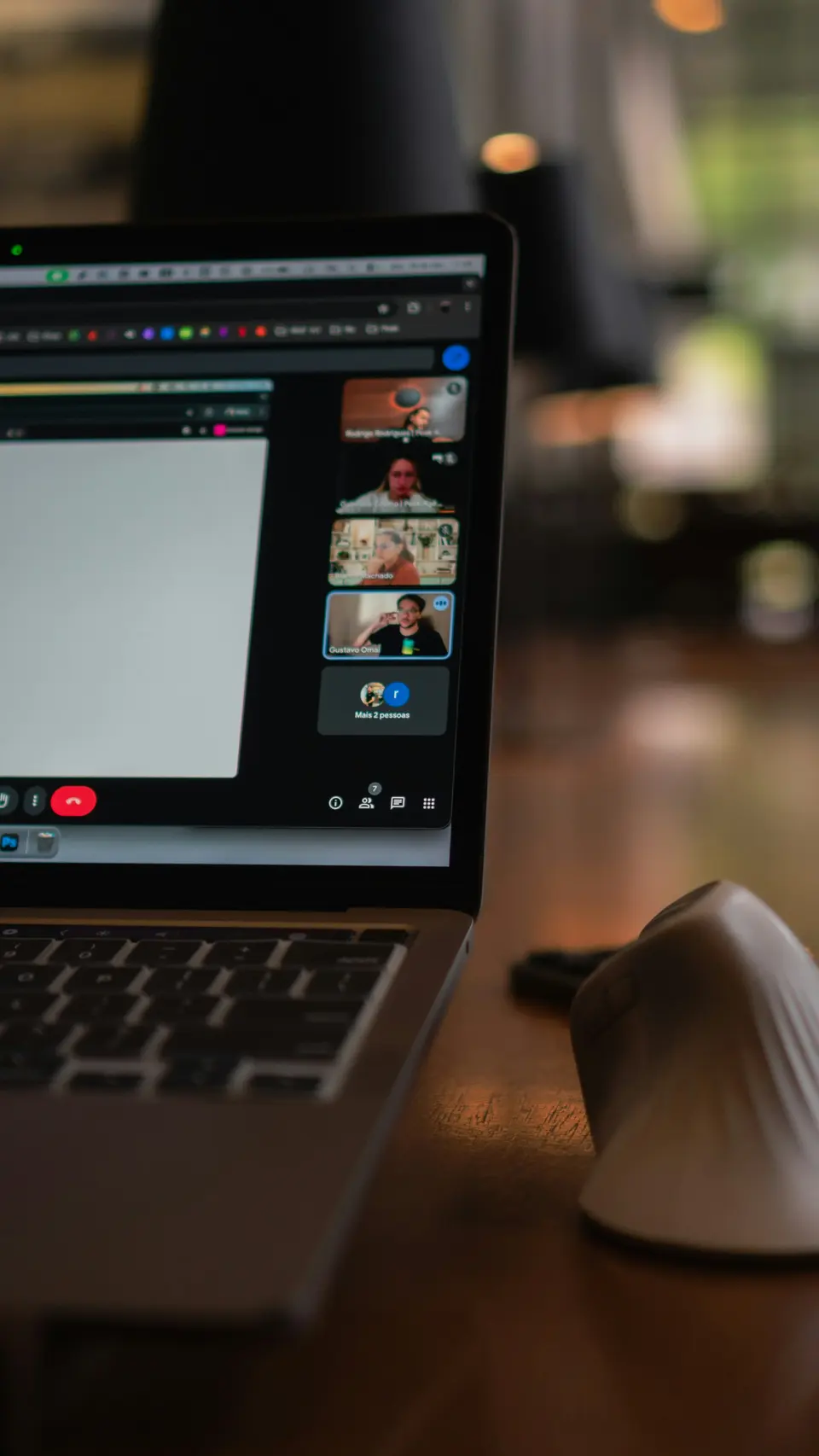
Remote team communication is not hard because people are remote.
It is hard because nobody writes things down.
Then everyone acts shocked when the project turns into a fog machine.
The starter pack is not 11 apps.
It is a few boring rules that make work visible, decisions findable, and meetings less like group punishment.
Make writing the default
The move: If it matters, write it down.
Chat is fine for small things.
It is terrible as the only source of truth.
Remote teams need written defaults:
- status updates
- decisions
- handoffs
- deadlines
- blockers
- meeting notes
- “why we chose this” context
The point is not paperwork.
The point is memory.
If someone joins next month and has to dig through 400 messages to understand a decision, your system is fake.
Use a doc, a wiki, a project page, a ticket, whatever. The tool matters less than the habit.
Write the thing where future people can find it.
Future people includes you on a tired Thursday.
Stop treating chat like a command center
The move: Use chat for quick movement, not deep work.
Chat tools are useful.
They are also tiny interruption factories if nobody sets rules.
Make the norms explicit:
- what belongs in public channels
- what belongs in direct messages
- what counts as urgent
- when people are expected to reply
- when silence means “I am working”
Do not make people guess.
Guessing creates resentment with a profile picture.
Good remote communication says:
“You do not need to respond instantly unless this is tagged urgent.”
That one sentence can give a team its brain back.
If focus keeps getting wrecked, the one skill nobody teaches you about remote work is the deeper fix.
Use short video when words get slow
The move: Show the thing when explaining the thing takes too long.
A two-minute screen recording can save a 30-minute meeting.
Use it for:
- walkthroughs
- bug reports
- design feedback
- process notes
- “here is what I mean” moments
But keep it short.
Nobody wants your feature film called My Cursor Has A Journey.
Say the point first:
“This is where the signup flow breaks. Watch the button after I choose the second option.”
Then show it.
Done.
Video is not an excuse to ramble with visuals.
Give every meeting a job
The move: No agenda, no meeting.
Yes, really.
Remote teams do need meetings.
They need fewer vague ones.
Good reasons to meet:
- make a decision
- debate a tradeoff
- solve a messy blocker
- build trust in a 1-on-1
- align before a risky handoff
Bad reasons:
- “sync”
- “touch base”
- “quick check-in” with no question
- reading updates out loud like everyone forgot how eyes work
If the meeting exists, write the goal before it starts.
If you cannot write the goal, cancel it.
If meetings are already clogging the week, tools that make meetings less painful can help, but the first tool is still a spine.
Create a decision log
Remote teams lose time because decisions vanish.
Someone asks, “Why did we choose this?”
Then five people reconstruct history from memory, vibes, and old threads.
Do not live like that.
Use a simple decision log:
- date
- decision
- owner
- reason
- tradeoff
- next review point if needed
That is it.
No sacred template.
No 40-field database.
Just enough context so the team does not keep reopening closed doors.
Protect handoffs
The move: End every handoff with the next action.
Bad handoff:
“Passing this over.”
Useful handoff:
“Passing this to Maya. The draft is ready. Please check the pricing section, leave comments by Thursday, and flag anything that blocks launch.”
See the difference?
One creates work.
One moves work.
Remote teams run on handoffs. Make them clean.
Do this now
Pick one project your team is already working on.
Write a one-page communication rule for it:
- where updates go
- where decisions go
- what counts as urgent
- when the next meeting happens
- who owns the next action
That one page will do more than another app.
Remote team communication is not a personality test. It is written defaults, clean handoffs, fewer lazy meetings, and the humility to make context visible.
If email is also part of the mess, read email is not your enemy. Same lesson. The tool is rarely the whole problem.
Write it down.
Make the next action obvious.
Let people work.
Advertisement