Tools & Resources
Stop Collecting Tools. Start Wiring Systems.
A tool stack is useless if nothing connects. Stop collecting apps and start wiring the few workflows that actually move your work forward.
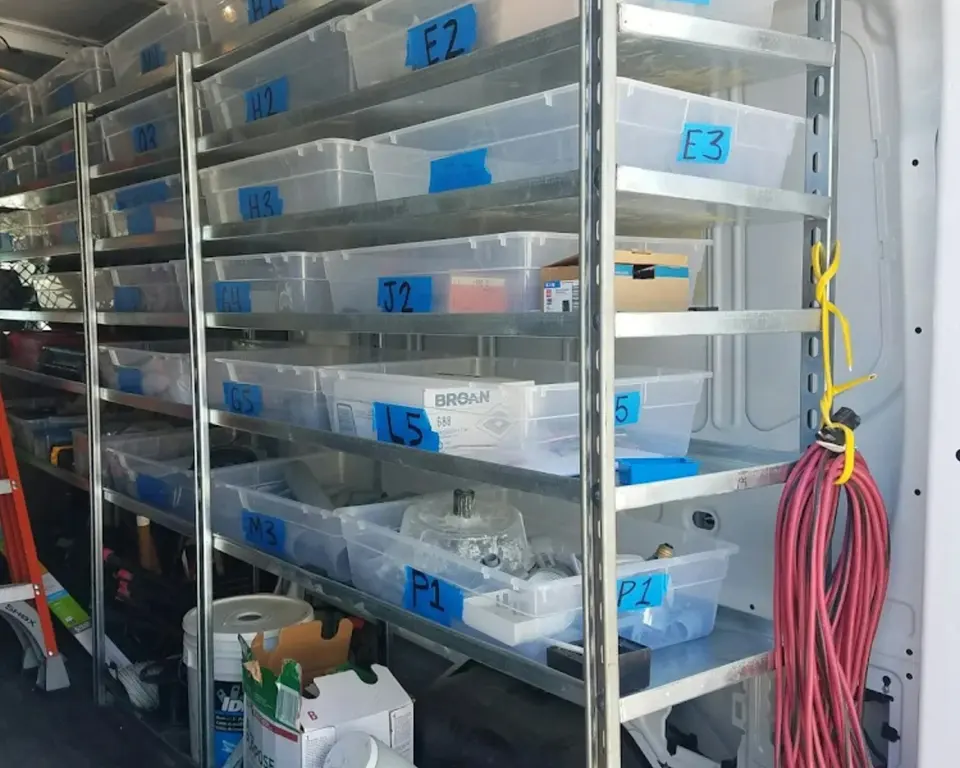
Your tool stack might not be a stack.
It might be a shelf.
Pretty apps.
Nice dashboards.
Clean templates.
Zero flow.
Your notes do not connect to your tasks.
Your tasks do not connect to your calendar.
Your client info does not connect to delivery.
Your delivery does not connect to invoicing.
So you become the integration.
Copying.
Pasting.
Remembering.
Checking.
Forgetting.
Then buying another tool because the old tools feel heavy.
No.
Stop collecting tools.
Start wiring systems.
A system moves information
Here is the test.
When something important happens, does the next step become obvious or automatic?
Example:
A lead becomes a client.
What happens next?
Bad system:
- You remember to send the contract.
- You remember to create the folder.
- You remember to add the kickoff call.
- You remember to send the invoice.
- You remember to update your tracker.
That is not a system.
That is you juggling paperwork with a confident face.
Better system:
- Proposal accepted
- Contract checklist opens
- Folder template gets copied
- Kickoff email gets sent
- Invoice task appears
- Client gets added to the tracker
Maybe some of that is automated.
Maybe some is just a checklist.
Both count.
The point is that the process carries the next step.
Your brain does not have to hold it all.
Wiring does not mean automation everywhere
Do not get cute.
Wiring a system does not mean turning your business into a fragile chain of 19 automations.
Sometimes wiring is:
- A checklist
- A template
- A naming rule
- A calendar block
- A folder structure
- A saved email
- One simple automation
The job is not to automate everything.
The job is to remove repeat confusion.
If a checklist solves it, use the checklist.
If an automation solves it, use the automation.
If deleting the tool solves it, wonderful.
Your best process might be a checklist for a reason. Boring works.
Find the friction points
Do not start by shopping.
Start by watching.
For one week, write down every time you:
- Enter the same thing twice
- Search for the same file again
- Ask “where did I put that?”
- Forget the next step
- Copy information between tools
- Delay work because setup is unclear
- Rebuild something you already built before
That list is your wiring map.
Not a blog post.
Not a tool roundup.
Your actual friction.
The move: Wire the most annoying repeated friction first.
Not the fanciest one.
The one that keeps charging you attention.
Build around handoffs
Most systems break at handoffs.
Lead to client.
Idea to draft.
Draft to published.
Project to invoice.
Invoice to paid.
Meeting to next action.
These are the dangerous points.
This is where work gets dropped because one state ended and the next one did not begin clearly.
For each handoff, ask:
- What confirms the state changed?
- What must happen next?
- Where does the record live?
- Who needs to know?
- What can be templated?
- What can be checked off?
Do this for three handoffs and your business will feel less haunted.
Shrink the stack before wiring it
You cannot wire a junk drawer.
Before connecting tools, delete or demote the ones that are not earning their keep.
Ask each tool:
- What job do you do?
- What work would break if you disappeared?
- Are you the source of truth for anything?
- Do you connect to the rest of the process?
- Am I keeping you because I use you or because I like the idea of using you?
If a tool has no clear job, it leaves.
If two tools do the same job, pick one.
If a tool only stores guilt, delete it with ceremony.
The hidden cost is not always the subscription. Free tools have costs too, especially when they spread your work across places you do not control.
The three-tool rule
For most solo operators, your core system can start with three jobs:
- Capture: where new inputs go
- Decide: where priorities and next actions live
- Store: where finished or reference material lives
That might be:
- Email + task manager + drive
- Notes app + calendar + project folder
- Form + spreadsheet + checklist
Do not obsess over the exact apps.
Obsess over the handoffs:
- How does capture become a next action?
- How does a next action get scheduled?
- How does finished work get stored?
- How do you find the thing later?
If you cannot answer those, your stack is decoration.
Wire one workflow this week
Pick one.
Only one.
Good candidates:
- New client onboarding
- Weekly planning
- Publishing a post
- Following up with leads
- Sending invoices
- Saving research
- Clearing browser tabs
For that workflow, write:
- Trigger
- Steps
- Tool used
- Output
- Next step
Example:
Trigger: Client accepts proposal.
Steps: Send contract, send invoice, create folder, book kickoff, add to tracker.
Tool used: Email template, invoice app, folder template, calendar, spreadsheet.
Output: Client is ready to start.
Next step: Kickoff call.
Now wire the weak point.
Maybe that means one automation.
Maybe it means a checklist pinned to the project folder.
Do the smallest thing that stops the repeat mistake.
The point
The point is not to have impressive tools.
The point is to make the next step harder to miss.
That is what systems do.
They carry decisions you should not have to remake every week.
They keep work moving when your brain is busy.
They turn repeated chaos into boring flow.
So stop asking:
What tool should I add?
Ask:
What keeps falling between tools?
Fix that.
Your stack will get smaller.
Your work will get cleaner.
And you will finally stop using new apps as a hiding place for old process problems.
Advertisement