Tools & Resources
How to Choose a Task Manager: A Small Practical Trial
Compare task managers with a small trial of capture, reminders, retrieval, and export. Separate documented features from observed results.
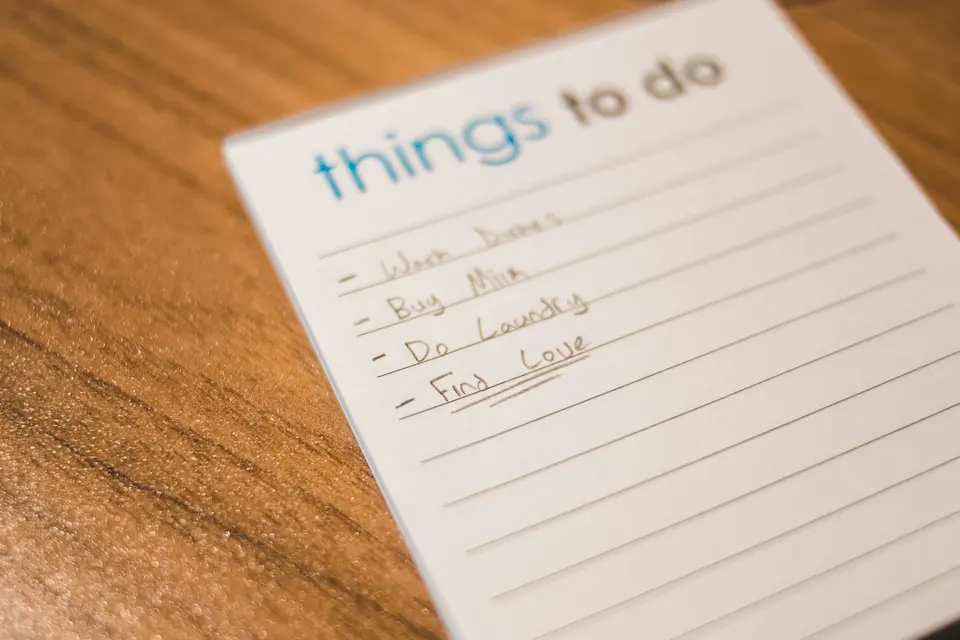
Choose a task manager around the work you need to coordinate. A reminder app, a private project list, and a shared team system have different jobs. There is no universal winner here.
Correction, September 22, 2026: The original invented trials of Todoist, Things, TickTick, and plain text, including a claimed current setup. This is a research-based shortlist and an unrun trial protocol.
Define the job before the shortlist
Write down your devices, accessibility requirements, collaboration needs, and budget. Add any non-negotiable constraints about offline access, data location, or approved software.
Then write five representative tasks. For example: a recurring household chore, an appointment preparation step, a project waiting on someone else, a private note, and a task with a real deadline. These are hypothetical trial inputs. Use non-sensitive material while evaluating unfamiliar tools.
Turn vague labels into actions: “Draft the proposal introduction” is easier to act on than “Proposal.” Keep reference material somewhere you can retrieve it without treating every note as unfinished work.
Compare a few approaches
| Approach | Documented or inherent capability | What still needs checking |
|---|---|---|
| Todoist | Tasks, recurring dates, and reminders | Your plan’s limits, notifications, and collaboration needs |
| TickTick | Tasks plus calendar and habit features | Platform differences, paid limits, and whether the extra features help |
| Plain text or paper | A simple list you control | No automatic reminder unless you add another system; backup and shared access need separate handling |
The product rows are based on Todoist’s task management page and TickTick’s feature page, checked September 22, 2026. They are not hands-on ratings. Check current Todoist pricing and TickTick plan limits before paying; this guide does not quote a regional price.
Run a small trial
Use a few non-critical tasks while keeping important deadlines in your established system.
- Add and edit the representative tasks.
- Confirm the date, time, recurrence, and timezone the app actually saved.
- Check a reminder on the device and notification settings you will use.
- Find a completed task and a task waiting on someone else.
- Try the available export or recovery process with sample data.
Record the app version, operating system, plan, inputs, and results. “A reminder arrived in this trial” is evidence for that check. It is not proof that notifications will always work or that the app is reliable for every use.
Do not deliberately miss a critical deadline to test recovery. Simulate an overdue low-risk task instead.
Keep one authoritative list
A short daily selection can help, but copying tasks into a second tool creates another maintenance problem. Mark where completion is recorded and how changes return to the main list.
Some people prefer one app for both daily and future work. Others need a separate visible checklist. Treat those as options, not a rule that today’s work must never live in a task manager.
At the review, ask what the tool made easier and what it added. Keep the one that meets your requirements with acceptable effort. A calm interface is pleasant; a correct reminder and a retrievable commitment are more consequential.
Use the weekly review template to clear stale commitments. If the list itself is overloaded, start with how to reduce an unhelpful to-do list before migrating again.
Advertisement