Productivity
How to Stop Multitasking: A Practical Work Experiment
Learn how to stop multitasking during demanding work, with a small comparison you can run and clear limits on task-switching research.
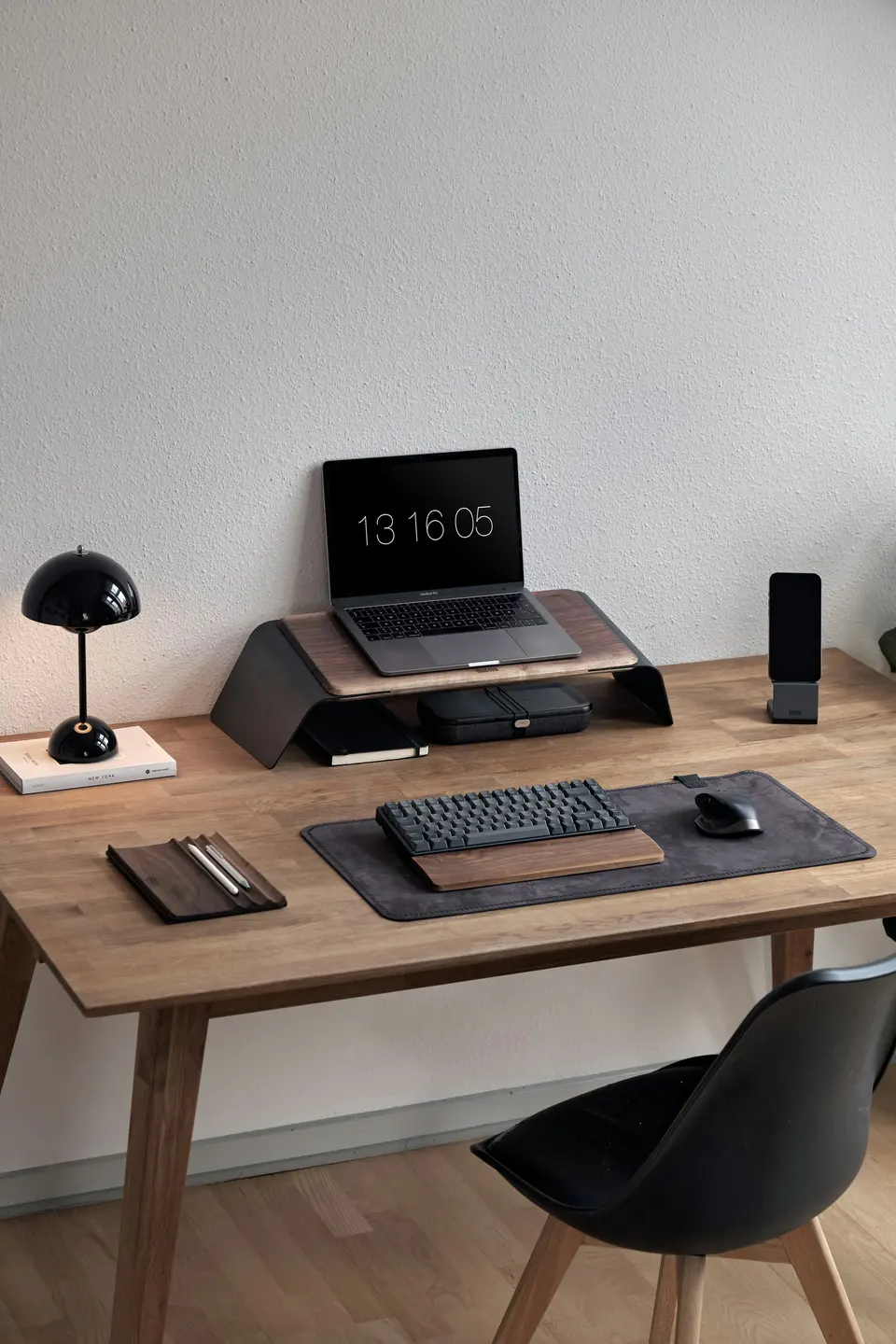
To stop multitasking during demanding work, give one task a clear finish line and a protected block. Keep a way for genuine emergencies to reach you. You are arranging attention, not disappearing from your responsibilities.
Correction, September 21, 2026: The earlier article reported a personal 30-day experiment, faster completion, and fewer errors. No evidence supported those results. This guide explains published research and offers an experiment for readers; PickyFox has not run that experiment.
What the multitasking research actually supports
In Rubinstein, Meyer, and Evans’s 2001 experiments, switching between rule-based tasks took time, and more complex rules increased switching costs. The tasks included arithmetic and visual classification.
That supports a limited point: task switching can have a measurable cost. It does not supply a universal percentage of lost productivity for your job, prove every interruption is harmful, or establish the best length of a work block.
Answering an urgent question may be worth the interruption. Listening to familiar music while sorting files is not the same demand as writing a proposal while following a detailed meeting.
How to stop multitasking for one piece of work
Pick something with a visible output. “Work on marketing” is fog. “Draft the three headings and opening paragraph” has an end.
Before starting:
- Choose a realistic interval. Twenty minutes is an example, not a special biological threshold.
- Keep the documents needed for that task open.
- Close unrelated feeds and mute nonessential notifications.
- Set expectations about when you will next check messages.
- Keep a scrap note for unrelated things you remember.
If an urgent interruption arrives, leave a brief restart note before switching when feasible: “Next: verify the second price, then write the recommendation.”
The focus-system guide goes deeper on arranging tasks and attention. Start with one block before rebuilding the entire week.
Compare observations, not feelings of virtue
Try several comparable work blocks with your usual setup and several with fewer interruptions. Do not manufacture interruptions for safety-critical work.
Record:
| Field | What to note |
|---|---|
| Task | The intended output and approximate difficulty |
| Conditions | Time of day, available time, unusual circumstances |
| Interruptions | Rough count and whether they were necessary |
| Result | Completed output and any corrections needed |
| Practical cost | Messages delayed or coordination problems created |
This is a personal workflow comparison, not a controlled trial. Learning, task difficulty, sleep, and deadlines may explain differences. A good-looking week is a reason to keep investigating, not proof of a universal method.
Keep the parts that fit the job
Some roles require quick response and frequent coordination. Try a shorter protected interval, a handover arrangement, or a quieter task slot. Do not leave customers or colleagues waiting simply to protect a timer.
For collaborative work, agree what counts as urgent. For independent work, decide when to check messages before the notifications decide for you.
The busy-versus-productive guide is useful here: assess what changed, not how quiet the desk looked.
One task. One finish line. A record of what actually happened. That is enough to start without inventing a transformation.
Advertisement