Productivity
Starter Pack: Digital Declutter Without Panic
A digital declutter does not mean deleting your life. Archive first, clean the obvious mess, and build a simple place for current work.
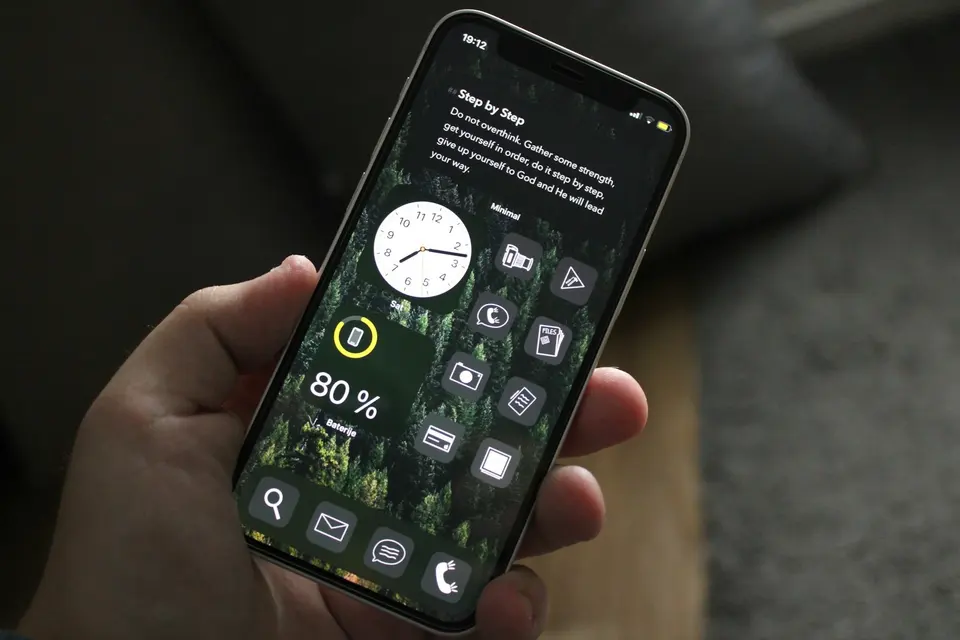
Digital decluttering gets weird fast.
One minute you are deleting old screenshots.
The next minute you are questioning your entire file structure like it caused your childhood problems.
Relax.
You do not need to delete your digital life.
You need to stop living inside a junk drawer.
The goal is simple:
Find current things quickly.
Archive old things safely.
Delete obvious trash.
That is it.
Do Not Start With Deleting
Deleting feels dramatic.
Archiving is smarter.
The move: Create one archive folder before you clean anything.
Call it:
Archive-2026
Or:
Old Files - Search If Needed
Not elegant.
Clear.
Why: The fear of losing something important is what keeps people stuck. An archive gives your brain a safe place to move old stuff without turning every file into a legal trial.
Archive first.
Delete later.
Most digital clutter does not need to be destroyed.
It needs to leave your face.
Clean The Obvious Mess First
Start where the mess is visible.
Not because it is the most important.
Because it gives you a fast win.
The move: Clean desktop and downloads first.
Set a 20-minute timer.
Downloads
Delete:
- Installers
- Duplicate PDFs
- Old exports
- Random images
- Files with names like
final-final-v3
Move anything possibly useful to the archive.
Desktop
Keep only:
- Current project folder
- One temporary drop zone
- Anything you genuinely use this week
Everything else moves.
Your desktop is not a personality test.
It is a work surface.
Clear it.
Build A Current Work Folder
Most people have two file problems:
Old stuff everywhere.
Current stuff nowhere.
Fix current first.
The move: Create one folder called Current.
Inside it, keep only active work.
Examples:
- Current clients
- Current writing
- Current finances
- Current admin
- Current personal project
That folder should feel boring and obvious.
Good.
Obvious systems survive tired days.
If your digital system keeps becoming a hobby, a digital organization guide is the deeper warning.
Use Archive Rules
Do not decide one file at a time forever.
That is how a 30-minute cleanup becomes a three-hour memory museum.
Use rules.
Archive If
- You have not used it in 90 days.
- It belongs to a finished project.
- You are keeping it “just in case.”
- You cannot decide in 10 seconds.
Delete If
- It is a duplicate.
- It is an installer.
- It is a bad screenshot.
- It is an export you can recreate.
- It is clearly trash.
The 10-second rule matters.
If you cannot decide quickly, archive it.
Keep moving.
The goal is not moral purity.
It is a usable digital workspace.
Declutter Apps Without Becoming Dramatic
You do not need to become a minimalist.
You need fewer unused buttons asking for your attention.
The move: Delete apps you have not used in 30 days.
Exceptions:
- Banking
- Travel
- Health
- Security
- Emergency or legal apps
- Anything you need rarely but clearly
Everything else can be reinstalled.
Your phone is not a museum of good intentions.
Delete the habit trackers you do not use.
Delete the shopping apps that keep poking you.
Delete the duplicate note apps.
If your app stack keeps growing back, stop collecting tools and start wiring systems is the next medicine.
Subscriptions Are Part Of The Clutter
Digital clutter is not only files.
It is recurring charges, newsletters, abandoned accounts, and tools you keep meaning to use.
The move: Cancel or pause three unused subscriptions.
Check:
- Bank statement
- App subscriptions
- Email receipts
- Cloud storage
- Tool accounts
- Newsletter payments
Do not make this philosophical.
If you forgot it existed, it is already failing.
For the money side, subscription fatigue has the full audit.
Photos Need A Separate Pass
Do not mix photos with files.
Photos are emotional traps.
You start deleting blurry screenshots and suddenly you are reliving 2019.
Bad workflow.
The move: Do one small photo pass.
Start with:
- Screenshots
- Duplicates
- Blurry shots
- Accidental photos
- Downloaded images
Do not begin with family photos.
That is level five.
You are on level one.
Start with the junk.
The Weekly Maintenance Rule
A digital declutter is not one heroic purge.
It is tiny maintenance.
The move: Spend 15 minutes every Friday moving loose files.
Questions:
- Is this current?
- Is this archive?
- Is this trash?
That is the whole review.
No new system.
No dashboard.
No app tour.
Move, archive, delete.
Leave.
Do This Today
Set a 30-minute timer.
Then:
- Create
Archive-2026. - Empty obvious trash from Downloads.
- Clear the Desktop to five items or fewer.
- Create a
Currentfolder. - Move one finished project to archive.
Stop when the timer ends.
Do not spend the whole day organizing your life so you can avoid living it.
Digital decluttering is not about becoming pure.
It is about making your tools stop yelling.
Archive first.
Delete obvious trash.
Keep current work easy to find.
That is enough.
If you want the stricter version later, digital minimalism is there. Start with this lighter cleanup first.
Advertisement