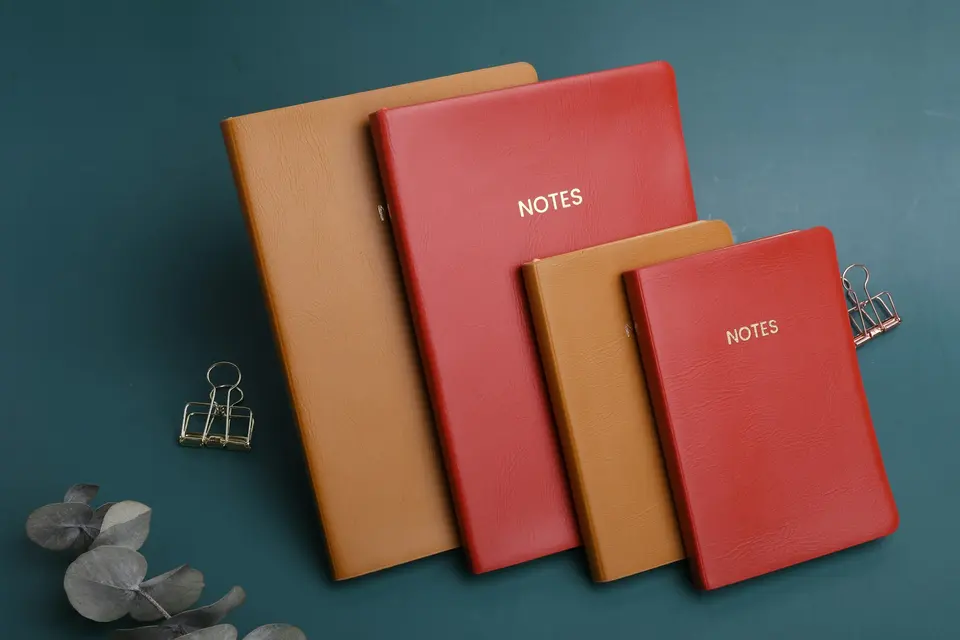
Note-Taking Apps: Choose by Capture, Files, or Projects
Compare four note-taking apps by the job: quick capture, local files, notebooks, or shared projects. Check the exit route before migrating.
Tag
A focused shelf of PickyFox posts on productivity.
Compare four note-taking apps by the job: quick capture, local files, notebooks, or shared projects. Check the exit route before migrating.

One list is not enough when everything feels important. Use a commitments list and a captures list so focus does not become a prison.

Eat the Frog works for some people. For others, it wastes their worst brain hours on their hardest task. Match hard work to peak energy instead.

Calendar blocking works when you treat it like a decision, not decoration. Start with three blocks and protect them.

You're optimizing everything and getting worse results. The problem isn't your system. It's the belief that better always beats good enough.
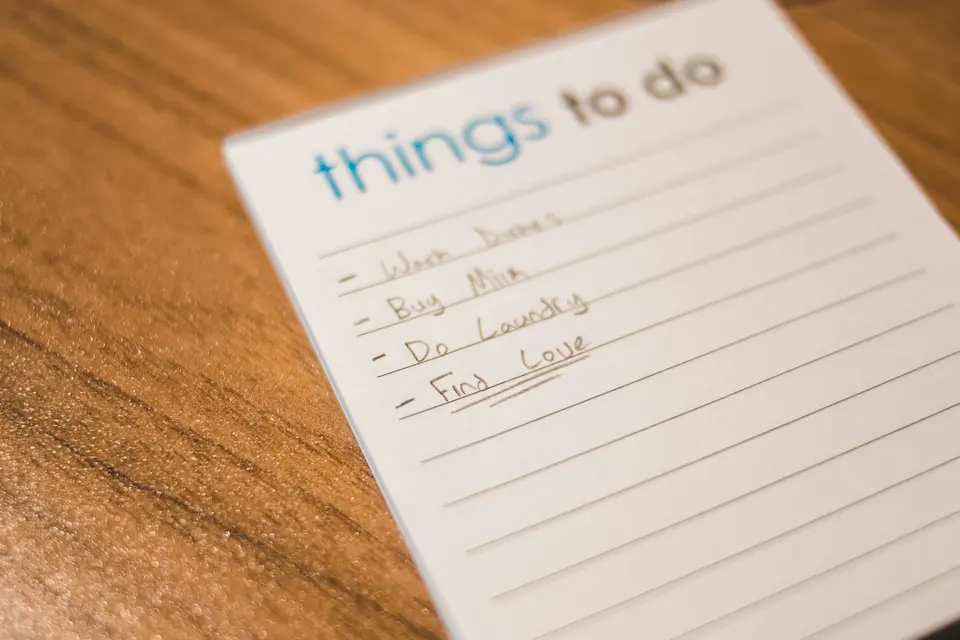
Compare task managers with a small trial of capture, reminders, retrieval, and export. Separate documented features from observed results.

Busy is a feeling. Productive is a result. Here's how to tell which one you're actually doing, and why it matters.
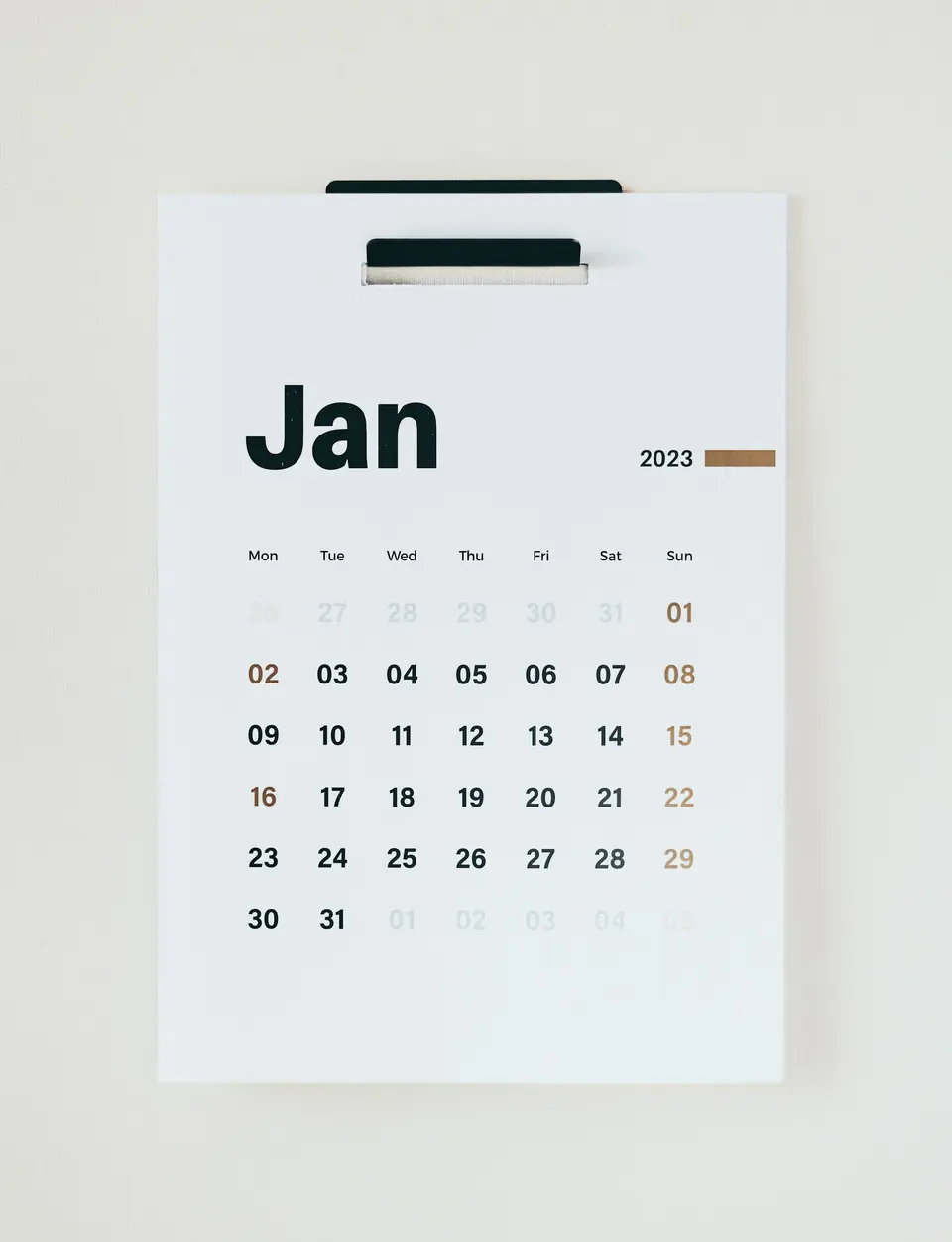
Most year-end reviews are guilt trips in disguise. Here's one that actually helps you figure out what worked, what didn't, and what's next.

Use an inbox, active projects, and an archive to organize digital files. Keep permissions, backups, and retrieval in the plan.
Most goal-setting frameworks are backwards because they ask you to predict the destination before you have tested the road.

A productive weekend is not a compressed workweek. Pick one win, protect recovery first, and stop before Monday is already ruined.

Back up bookmarks, separate active work from reading, and use clear labels. Clean up a small folder before deleting a whole collection.